
Explore The Best AI Websites & Tool
Your all-in-one toolkit for productivity, creativity, and development. Over 40 powerful tools to streamline your workflow.
SearchHow to Use MyTunes: AI Music Generator | Ultimate Guide
Introduction to MyTunes: AI Music Generator
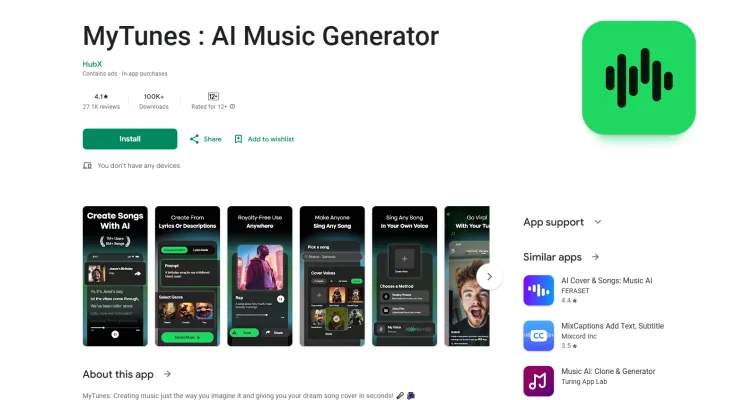
MyTunes: AI Music Generator is an innovative app designed to empower users to create music effortlessly using artificial intelligence. Developed by HUBX, this app is suitable for both novice and experienced musicians. MyTunes features a range of tools including an AI Song Generator, Lyrics Generator, and AI Voice Generator, allowing users to produce original songs, lyrics, and vocal tracks based on their unique prompts.
With the ability to select from various genres such as AI Pop, AI Rock, and AI Rap, users can customize their musical creations to fit their style. The app also offers a Song Cover Creator, enabling users to reinterpret their favorite songs with custom voices. MyTunes stands out for its royalty-free generated songs, giving users the freedom to share their creations widely.
While the app has garnered positive feedback for its creativity and ease of use, users have reported issues with glitches and inconsistent quality. Despite these challenges, MyTunes represents a significant step forward in making music creation accessible to everyone.
Use Cases of MyTunes: AI Music Generator
- Song Creation for Aspiring Musicians MyTunes enables aspiring musicians to effortlessly create original songs across various genres, including rap, pop, and rock. By simply entering a prompt and selecting a music style, users can generate unique tracks tailored to their artistic vision, making it an ideal tool for those looking to explore their musical creativity without extensive technical knowledge.
- Custom Cover Songs The app allows users to reinterpret their favorite songs through its Song Cover feature. Musicians can upload their own voice recordings or use the AI Voice Generator to create personalized covers. This feature is particularly beneficial for artists looking to put their own spin on popular tracks and engage their audience with fresh renditions.
- Voice Enhancement for Recording Artists With the AI Voice Generator and Voice Changer functionalities, MyTunes enhances vocal performances, enabling users to achieve professional-quality sound. This is particularly useful for recording artists seeking to improve their vocal tracks or create harmonies without the need for a studio setup.
- Interactive Music Learning Tool MyTunes can serve as an interactive learning tool for music students. By generating songs or backing tracks, students can experiment with different musical styles and compositions, facilitating hands-on learning and encouraging creativity in their musical practice.
- Content Creation for Social Media Influencers and content creators can utilize MyTunes to produce original soundtracks for their videos or podcasts, adding a unique auditory element that sets their content apart. The app's royalty-free music generation ensures that creators can share their projects without legal concerns over copyright infringement.
How to Access MyTunes: AI Music Generator
- Open Google Play Store on your Android device.
- Search for "MyTunes: AI Music Generator" in the search bar.
- Select the app developed by HubX from the search results.
- Tap the "Install" button to download and install the app.
- Once installed, open MyTunes from your home screen or app drawer.
- Sign up or log in to start using the app.
How to Use MyTunes: AI Music Generator
- Download and install the app from your device's app store.
- Open the app and create an account or log in.
- Choose a music style (e.g., AI Rap, AI Pop, AI Rock).
- Enter your prompt or lyrics in the provided text box.
- Select the desired song duration.
- Tap the "Generate" button to create your song.
- Explore additional features like the AI Voice Generator or Song Cover Creator.
- Save your generated song and share it on social media or with friends.
How to Create an Account on MyTunes: AI Music Generator
- Download the app from your device's app store.
- Open the MyTunes app.
- Select the "Sign Up" or "Create Account" option.
- Enter your information, including your email address, username, and password.
- Verify your email by clicking the link sent to your inbox.
- Log in to your newly created account and start exploring the app.
Tips for Using MyTunes: AI Music Generator
- Explore Different Genres: Experiment with various music styles to discover unique sounds that resonate with your creative vision.
- Utilize Custom Voice Features: Take advantage of the custom voice options for song covers to create personalized and distinctive tracks.
- Enter Clear Prompts: Ensure your prompts are specific and clear to help the AI understand your intent better, resulting in more relevant compositions.
- Adjust Duration Settings: Customize the length of your songs to tailor your music projects according to your needs.
- Regularly Update the App: Keep the app updated to benefit from the latest features and bug fixes, ensuring optimal performance.
- Engage with the Community: Join forums or social media groups focused on MyTunes users to share tips and experiences, enhancing your creativity with the app.
By following these guidelines and tips, you can make the most of MyTunes: AI Music Generator and unleash your musical creativity. Whether you're a beginner looking to explore music creation or an experienced artist seeking new tools for inspiration, MyTunes offers a unique platform to bring your musical ideas to life. With its AI-powered features and user-friendly interface, the app opens up a world of possibilities for music enthusiasts of all levels. So why wait? Download MyTunes today and start composing your next hit song with the power of AI!
Trending


Voiceflow Review: Build Advanced AI Agents with Ease
Explore our comprehensive Voiceflow review. Learn how this no-code platform empowers teams to create sophisticated AI agents for enhanced customer interactions.

Meta Video Generator Movie Gen Arrives: A Strong Competitor to OpenAI Sora
Meta has launched Movie Gen, a groundbreaking Meta AI-powered video generation tool that challenges existing platforms like OpenAI's Sora. This innovative model allows users to create personalized videos and audio clips through simple text prompts, marking a significant advancement in the realm of AI video technology.
How to Use HitPaw Photo AI: A Comprehensive Guide
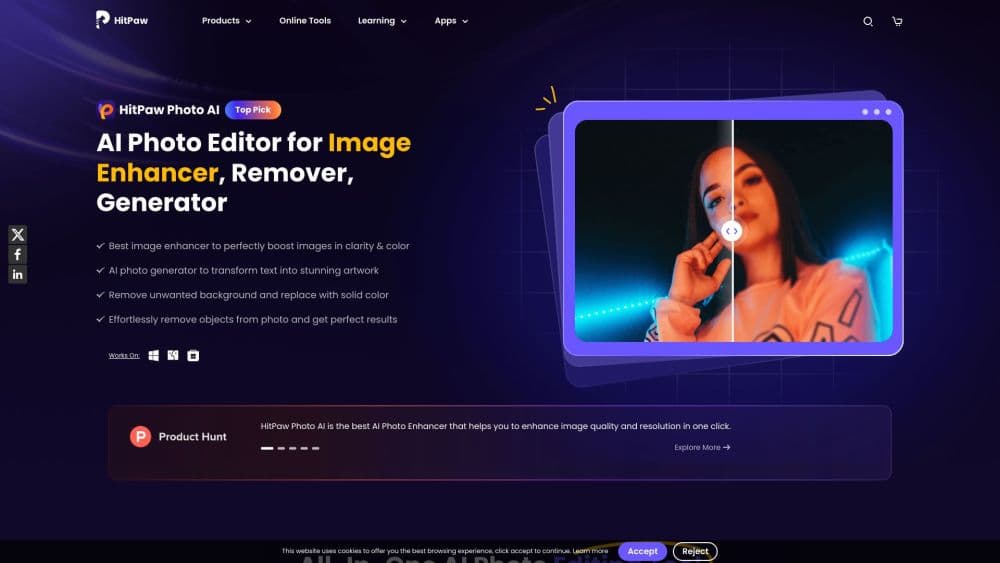
Discover how to enhance your photos with HitPaw Photo AI. Learn about its features, use cases, and tips for optimal results. Explore our full guide for practical tips.
ChatGPT Mobile App Hits Record-Breaking Revenue in July 2024
OpenAI's ChatGPT mobile app achieves its highest monthly revenue to date, signaling growing demand for AI-powered conversational tools and setting new benchmarks in the AI industry.
AI Revolutionizes Video Game NPCs: The Dawn of Generative Characters
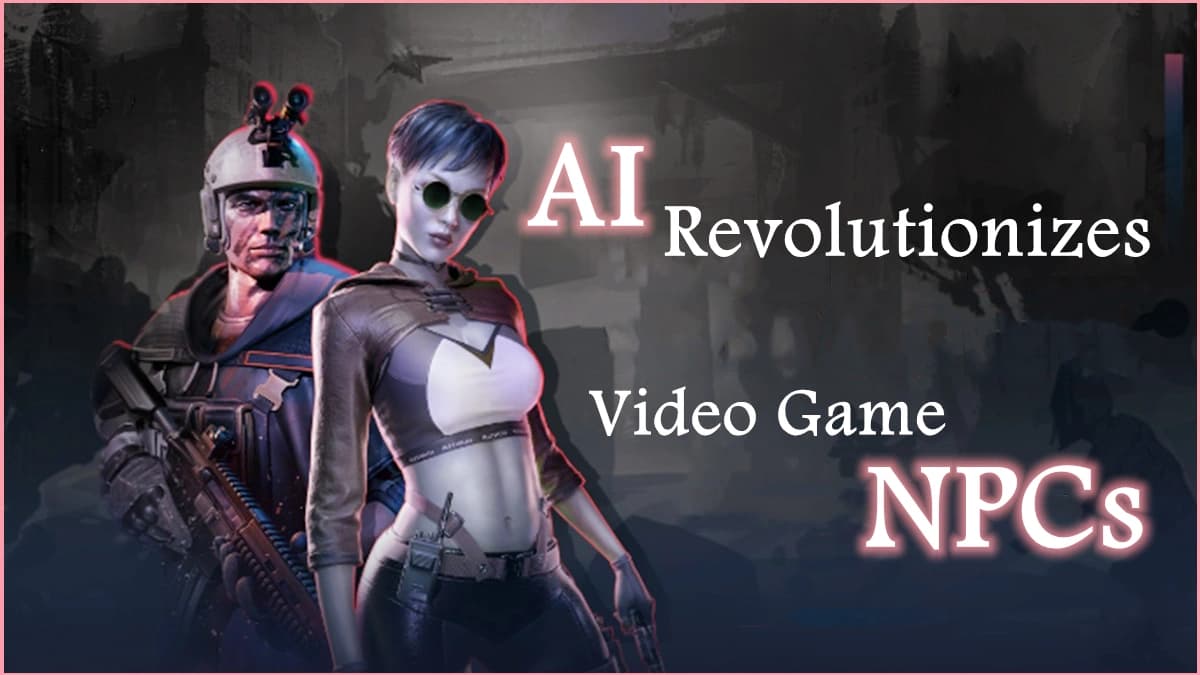
New generative AI techniques are transforming non-player characters (NPCs) in video games, creating more dynamic and lifelike interactions for players.