
Explore The Best AI Websites & Tool
Your all-in-one toolkit for productivity, creativity, and development. Over 40 powerful tools to streamline your workflow.
SearchHow to Use Packback: AI-Powered Education Platform Guide
What is Packback?
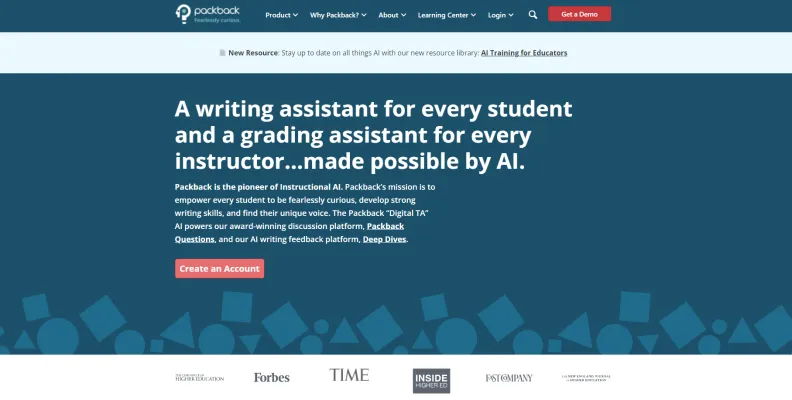
Packback is an innovative AI-powered educational platform that offers two primary tools: Packback Questions and Packback Deep Dives.
Packback Questions is an inquiry-based discussion platform that encourages students to ask and answer thought-provoking questions. It provides AI-powered coaching to improve the quality of student posts, helping to build community and support writing practice in classes of any size.
Packback Deep Dives, on the other hand, is a feedback platform for writing assignments. It offers instant AI-generated coaching to enhance writing skills and confidence. This tool also streamlines the grading process with an AI grading assistant that aligns with specific rubrics, allowing instructors to focus on providing personalized feedback.
What sets Packback apart is its unique approach to AI integration. The platform ensures that AI never writes for students but instead teaches them to be stronger writers and critical thinkers. This innovative approach has been embraced by over 600 higher education and K12 institutions, significantly improving student outcomes and educator satisfaction.
Use Cases of Packback
Packback's versatility makes it suitable for various educational scenarios:
- Enhancing Student Engagement in Large Classes: Packback excels in large lecture settings where direct interaction can be challenging. By requiring students to post questions and responses, it fosters a sense of community and engagement.
- Fostering Critical Thinking and Analytical Skills: The AI coaching helps students develop better questions and responses, promoting deeper thinking and analysis.
- Reducing Instructor Workload: Packback's AI grading assistant streamlines the grading process, saving time for educators and allowing them to focus on providing more personalized feedback.
- Creating an Inclusive Learning Environment: The platform is designed to be inclusive, encouraging diverse perspectives and fostering a sense of belonging among students.
- Improving Student Sentiment and Evaluations: Packback often leads to positive student feedback and improved teaching evaluations, providing valuable insights into student perceptions.
- Preparing Students for Future Careers: By emphasizing critical thinking, communication, and writing skills, Packback equips students with essential skills for their future careers.
How to Access Packback
Accessing Packback is a straightforward process:
- Create a Packback Account: Visit the Packback website and click on "Create an Account." Fill in the required information.
- Set Up Your Packback Community: After logging in, create a new community by entering relevant details and setting grading requirements.
- Invite Students: Upload your course roster and send invitations using Packback's pre-customized templates.
- Introduce Packback to Students: Prepare a brief presentation to introduce Packback to your students, explaining its rationale and expected participation.
How to Use Packback
Using Packback effectively involves several key steps:
- Create an Account: Register on the Packback website.
- Set Up Your Community: Create a community for your specific course.
- Invite Students: Use the "Invite Students" feature to add participants.
- Configure Grading Requirements: Set up the grading structure in the "Grading" section.
- Introduce Packback to Your Class: Use the provided template to introduce Packback on the first day of class.
- Monitor and Engage: Regularly monitor discussion threads and engage with students.
- Use AI Coaching: Encourage students to utilize the AI coaching feature.
- Grade and Provide Feedback: Use Packback's gradebook for efficient grading and feedback.
How to Create an Account on Packback
Creating a Packback account is simple:
- Visit the Packback website.
- Click on "Create an Account."
- Choose your role (student, instructor, or educator).
- Enter your information.
- Verify your email address.
- Complete the setup process.
- Start exploring the platform.
Tips for Using Packback Efficiently
To maximize the benefits of Packback:
- Leverage the AI Coach for instant feedback.
- Engage actively in discussions.
- Use multimedia to enhance posts.
- Customize grading requirements to fit your course needs.
- Utilize pre-class setup features.
- Explore educator tools like "Match & Message" and "Homework Polls."
- Encourage peer interaction to create a collaborative community.
By following these guidelines and tips, educators and students can harness the full potential of Packback, creating a more engaging, interactive, and effective learning experience.
Trending

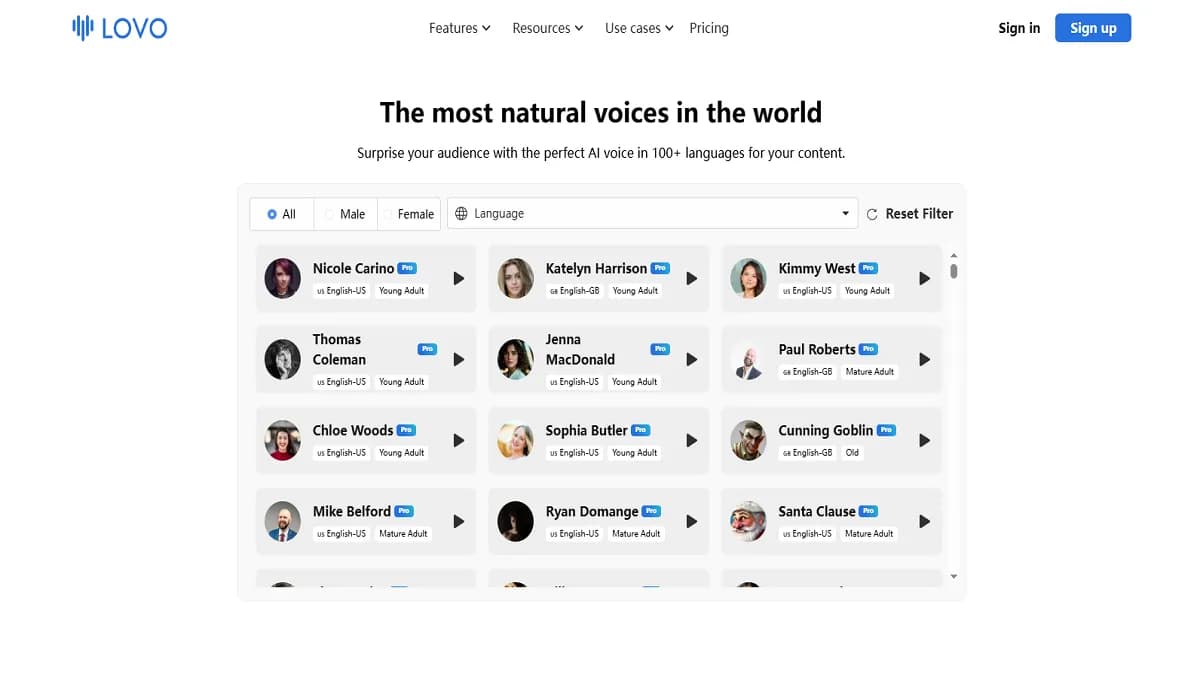
LOVO AI Voice Generator Review: Transform Your Content
Discover how LOVO AI Voice Generator revolutionizes content creation with AI-powered voiceovers. Explore features, benefits, and alternatives in our comprehensive guide.
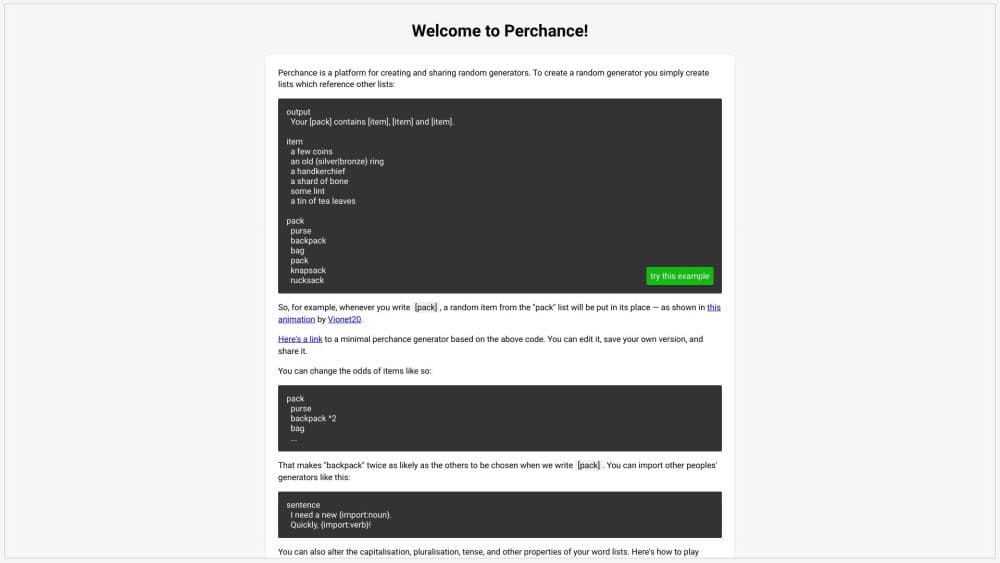
How to Use Perchance AI: A Comprehensive Guide
Discover how to unlock creativity with Perchance AI. Learn to access, use, and maximize this versatile platform for generating content. Explore practical tips now!

How to Use PixAI - AI Art Generator: Ultimate Guide
Discover how to create stunning anime-style art with PixAI. Learn tips, tricks, and best practices for using this powerful AI art generator. Explore the full guide now!
Inbox AI Review: Boost Productivity with Voice AI Automation
Discover how Inbox AI revolutionizes email management and task automation. Explore voice commands, privacy features, and seamless integrations in our comprehensive guide.
How to Use Mathful: Your Ultimate AI Math Companion
Discover how to use Mathful, the AI-powered math solver. Learn step-by-step problem-solving, image uploads, and more. Explore our guide for practical tips!