
Explore The Best AI Websites & Tool
Your all-in-one toolkit for productivity, creativity, and development. Over 40 powerful tools to streamline your workflow.
SearchAnimaker AI Review: Transform Video Creation with AI
What is Animaker AI?
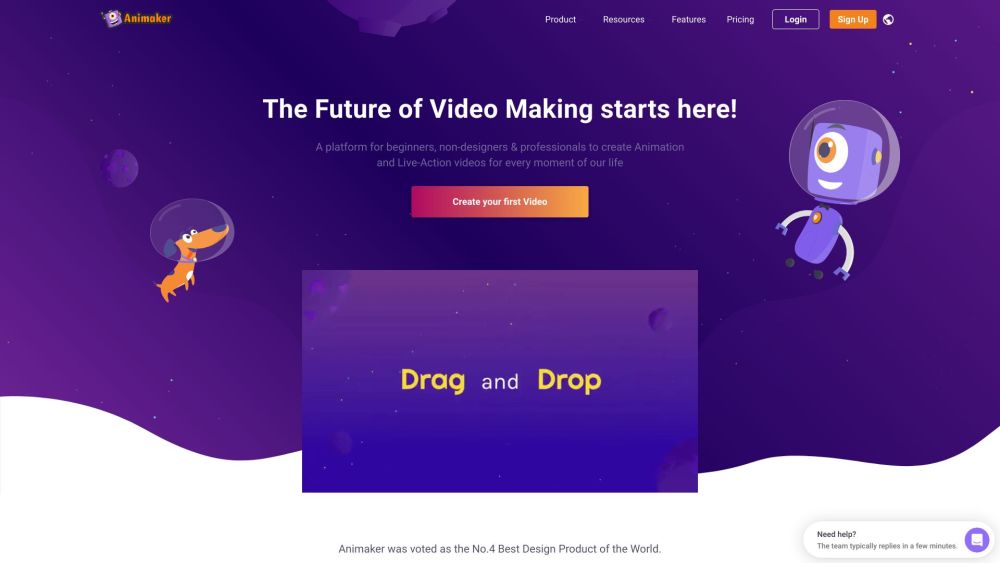
Animaker AI is a cutting-edge, AI-powered animation platform designed to simplify and accelerate the creation of professional-quality animated videos. Launched by Animaker, a company with a rich history in video-making tools since 2014, this platform allows users of all skill levels to generate stunning animations in mere seconds.
At the heart of Animaker AI is its proprietary technology, which leverages advanced algorithms to automate the video creation process. Users can input prompts to describe their desired content, specify the tone and duration, and let the AI handle the rest, eliminating the time-consuming task of manual animation.
Currently in closed beta, Animaker AI is poised to revolutionize video production for businesses, marketers, educators, and individuals looking to create captivating animated content quickly and efficiently.
Features of Animaker AI
Animaker AI boasts an impressive array of features that make it stand out in the crowded field of animation tools:
- Animated Video Generator: This cornerstone feature allows users to create professional-quality animated videos by simply inputting a prompt along with specifications for duration and tone. The AI takes care of the script and video generation, making it an effortless experience.
- Character Generator: Users can upload photos to create unique animated characters. The extensive customization options enable users to tailor features and outfits to fit their narratives perfectly—ideal for personalized storytelling.
- Voiceover Generator with Auto-Lip Sync: With access to over 200 voices in more than 50 languages, this feature allows users to add realistic voiceovers to their videos. The automatic lip-syncing capability ensures that the character's mouth movements align perfectly with the generated audio.
- Asset Library: Users can describe the assets they need, such as backgrounds and props, and the AI generates them. This feature not only saves time but also enhances creativity by providing tailored visuals that enrich the storytelling experience.
- Subtitle Generator: The AI can automatically generate subtitles in 30 languages, with translation options available in over 100 languages. This feature broadens the reach of videos, making them accessible to a global audience.
How Does Animaker AI Work?
Animaker AI streamlines the animation and video creation process through its proprietary AI technology. Users can generate high-quality animated videos in seconds by following these steps:
- Input a simple prompt describing the desired video content.
- Select the tone and duration of the video.
- Let the AI create a professional video based on the input.
For character creation, users can upload photos to generate unique animated characters. The platform's Voiceover Generator offers over 200 voices in multiple languages, complete with automatic lip-syncing. The Asset Library allows users to describe their needs, prompting the AI to generate appropriate backgrounds and props, enhancing the visual storytelling elements of their videos.
Benefits of Animaker AI
Animaker AI offers numerous benefits that make it an attractive option for video creation:
- Time-saving: The AI-Powered Video Generator can create studio-quality animated videos in seconds, significantly reducing production time.
- Personalization: The Character Builder allows users to design unique animated characters tailored to their brand, enhancing personalization.
- Extensive Asset Library: With over 100 million stock media assets, including icons and music, users can easily enrich their videos.
- Multilingual Support: The AI Voiceover Generator offers over 200 voices in more than 50 languages, with auto lip-sync capabilities, ensuring global reach.
- Versatility: The extensive library of video templates enables users to create diverse content—ranging from marketing materials to educational videos—in under five minutes.
- Accessibility: Animaker AI simplifies the video creation process, making it accessible for individuals and businesses alike, regardless of their technical expertise.
Alternatives to Animaker AI
While Animaker AI offers a unique set of features, several alternatives are available in the market:
- Powtoon: Ideal for creating animated explainer videos, with a user-friendly drag-and-drop interface. Pricing starts at approximately $19/month.
- Vyond: Perfect for professional animations with an emphasis on character customization. Pricing begins at around $49/month.
- Renderforest: Best suited for branding and marketing videos, providing studio-quality templates. Plans start at $9.99/month.
- Moovly: Known for its customizable video templates, allowing users to create engaging animations easily. The Pro plan is priced at approximately $24.92/month.
- FilmoraPro: Offers advanced video editing capabilities along with animation features. It is priced at $89.99/year.
In conclusion, Animaker AI represents a significant leap forward in the world of video creation. By harnessing the power of artificial intelligence, it offers a user-friendly platform that can produce high-quality animated videos in a fraction of the time traditionally required. While there are alternatives available, Animaker AI's unique combination of features, ease of use, and AI-driven capabilities make it a compelling choice for anyone looking to create engaging animated content quickly and efficiently. As the platform continues to evolve, it has the potential to reshape the landscape of video production across various industries.
Trending


PUMA AI Creator Review: Fan-Designed Manchester City Kit
Explore PUMA AI Creator, the innovative platform revolutionizing sports apparel design. Learn how fans can co-create Manchester City's 2026/27 third kit using AI technology.
Fotorama Review: AI-Powered Portrait Photography Revolution
Discover how Fotorama's AI transforms ordinary photos into stunning portraits. Explore our in-depth review for practical tips on enhancing your digital imagery.
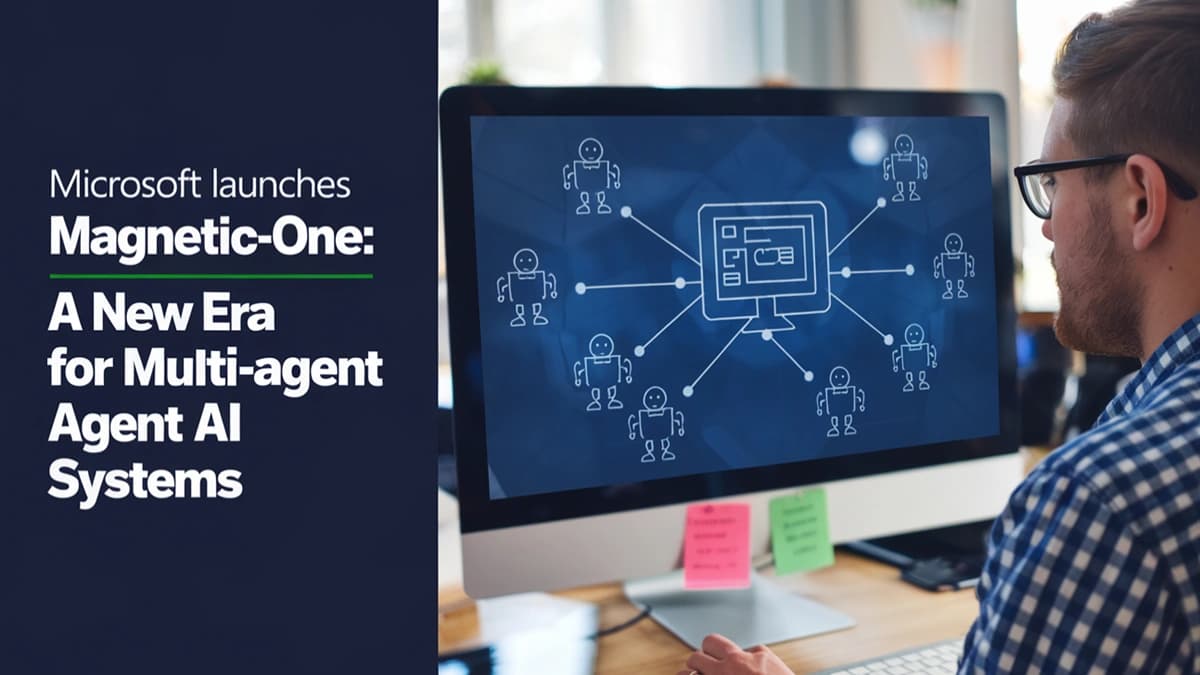
Microsoft Launches Magnetic-One: A New Era for Multi-Agent AI Systems
On November 5, 2024, Microsoft unveiled Magnetic-One, an innovative multi-agent system designed to enhance productivity by automating complex tasks through collaborative AI agents. This open-source framework aims to revolutionize how users interact with technology in both personal and professional settings.
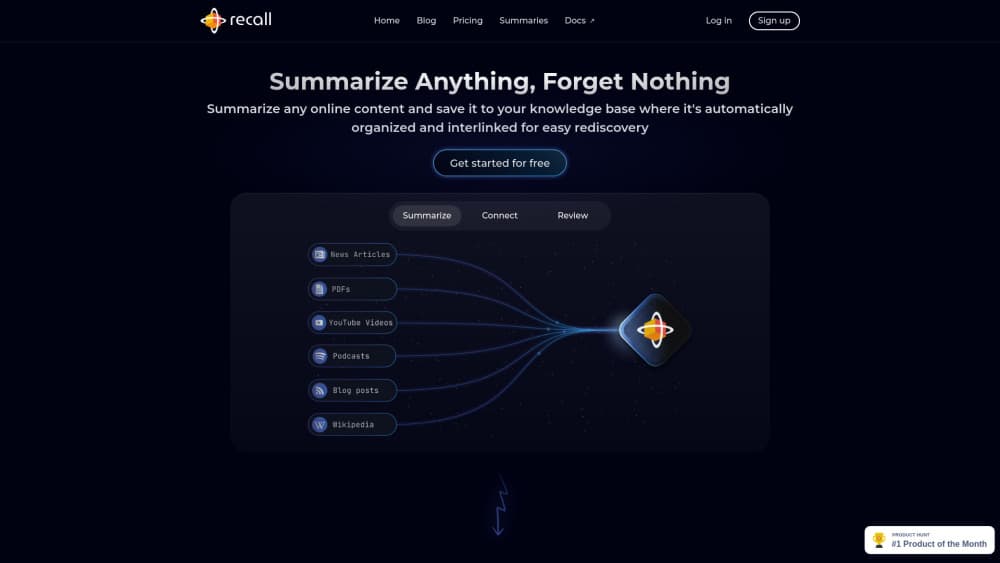
How to Use Recall: A Comprehensive Guide for Efficient Learning
Discover how to use Recall AI for efficient content management and learning. Explore features, best practices, and tips to maximize your knowledge retention.
AI Video Revolution: Haiper 1.5 Challenges Industry Giants
Discover Haiper 1.5, the groundbreaking AI video generation model that's taking on industry leaders with its advanced capabilities and user-friendly features.