
Explore The Best AI Websites & Tool
Your all-in-one toolkit for productivity, creativity, and development. Over 40 powerful tools to streamline your workflow.
SearchGoogle Vids AI: Google's AI Video Generator Coming
With the introduction of Google Vids AI, Google aims to transform how teams create and share video content. This tool is tailored for professionals seeking an efficient way to produce engaging videos without requiring extensive editing skills.
Google Vids AI: Streamlining Video Production
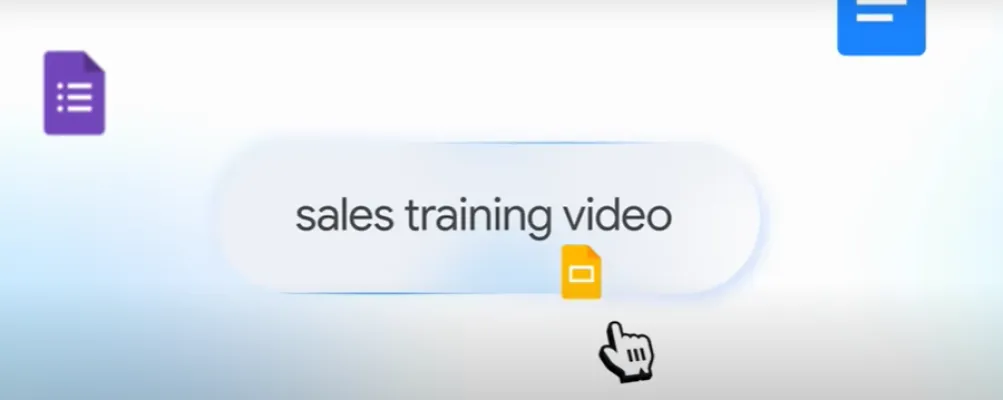
Google Vids AI leverages Google's advanced Gemini AI technology to assist users in generating videos from existing content. By simply entering a prompt or selecting a document from Google Drive, users can initiate the video creation process. The AI then constructs an editable storyboard that includes suggested scenes, stock media, scripts, and even background music.
Key Features of Google Vids AI
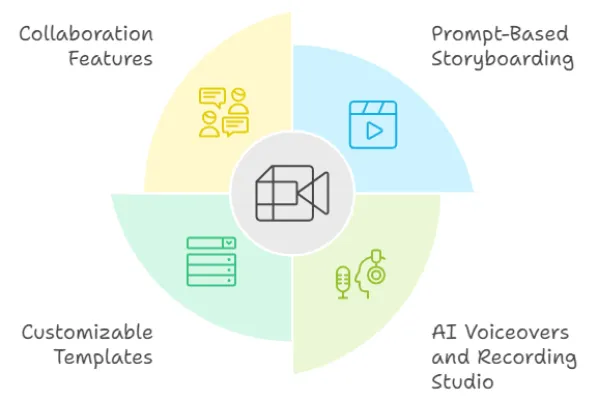
- Prompt-Based Storyboarding: Users can start with a simple text prompt, and Google Vids AI will generate a draft storyboard that includes various media elements tailored to the content.
- AI Voiceovers and Recording Studio: The tool provides options for AI-generated voiceovers or allows users to record their own audio using a built-in teleprompter feature. This flexibility enhances the personalization of each video.
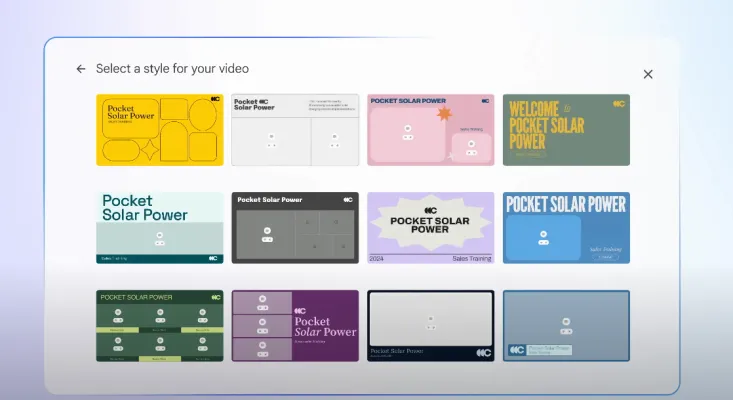
- Customizable Templates: Users can choose from a variety of templates designed for different types of presentations, making it easier to create visually appealing content quickly.
- Collaboration Features: Integrated within Google Workspace, Google Vids AI supports real-time collaboration, enabling multiple team members to work on video projects simultaneously.
Enhancing Communication in the Workplace
The rollout of Google Vids AI is set to significantly improve workplace communication. Teams can utilize this tool to create instructional videos, project updates, and marketing content that are not only informative but also engaging. By replacing traditional text-heavy documents with dynamic video presentations, organizations can enhance information retention and engagement among audiences.
Future Developments and Accessibility
Currently available to select tiers of Google Workspace—including Business Standard, Business Plus, Enterprise Standard and Plus—Google Vids AI is expected to expand its features over time. While the tool’s AI capabilities are initially limited to English, plans for broader language support are in development. Users can access all features without restrictions until December 31, 2025, after which some limitations may be introduced.
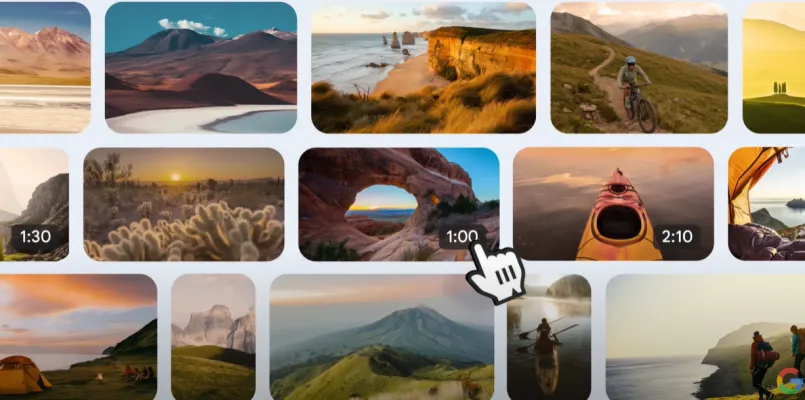
The introduction of Google Vids AI marks a significant advancement in video production technology for businesses. By simplifying the process and integrating advanced AI capabilities into everyday tasks, Google empowers teams to communicate more effectively through visual storytelling.
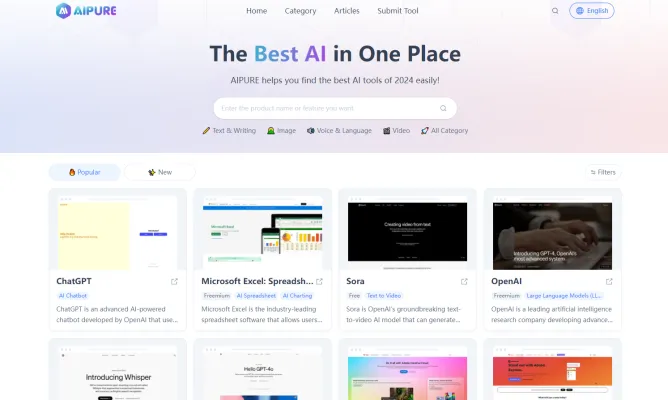
For more insights into the latest advancements in AI technology and tools like Google Vids, visit AIPURE for comprehensive information and resources on cutting-edge AI innovations.
Trending

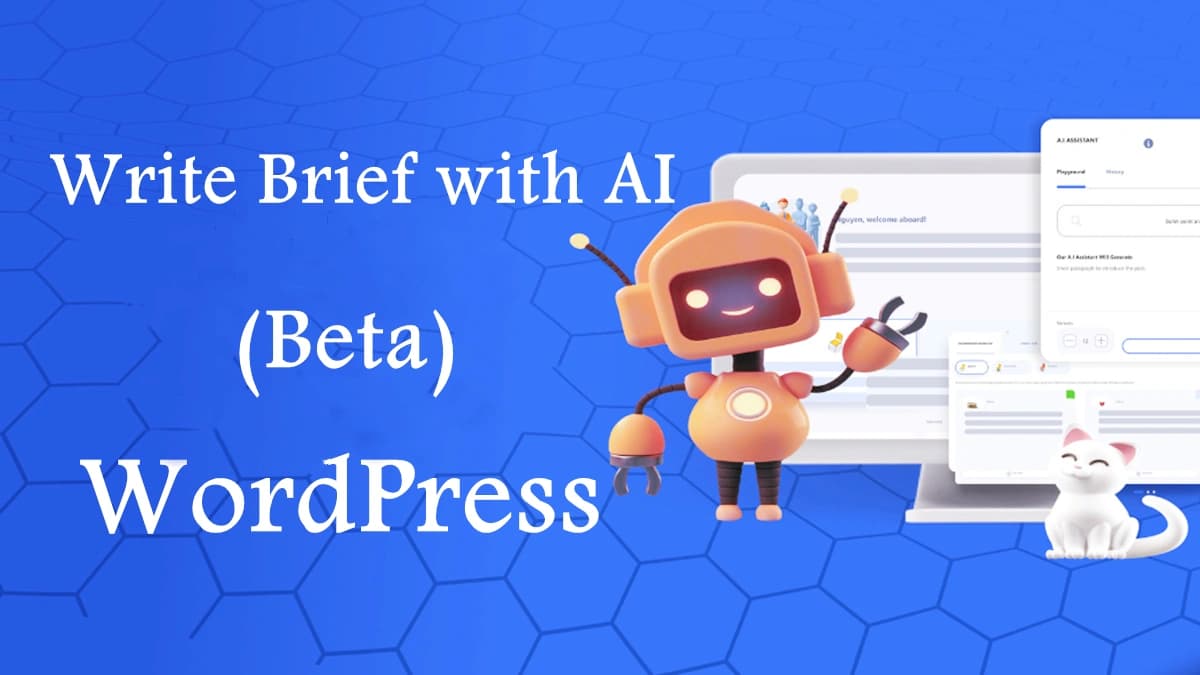
AI Revolution in Blogging: WordPress Unveils Write Brief with AI (Beta) Tool
Automattic's new AI-powered writing assistant aims to enhance clarity and conciseness in WordPress blogs, revolutionizing content creation for millions of users worldwide.
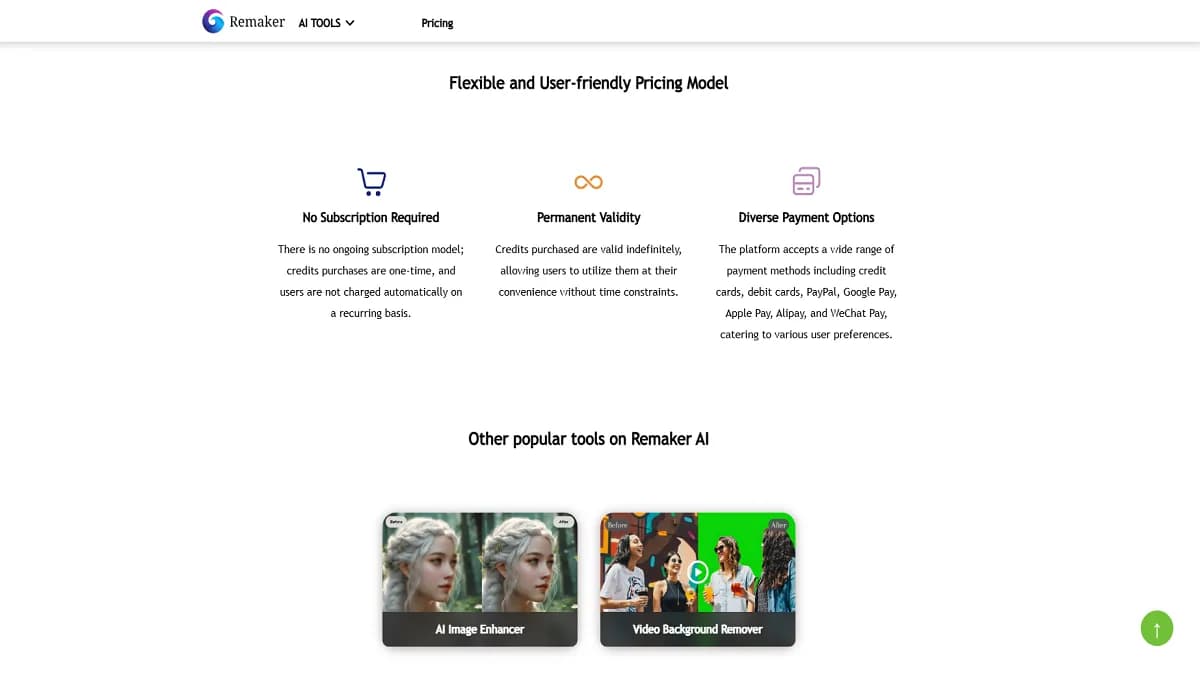
Remaker AI Review: Revolutionizing image & Video Editing
Explore our comprehensive Remaker AI review. Discover how this AI-powered platform transforms image and video editing. Get practical tips in our full guide.
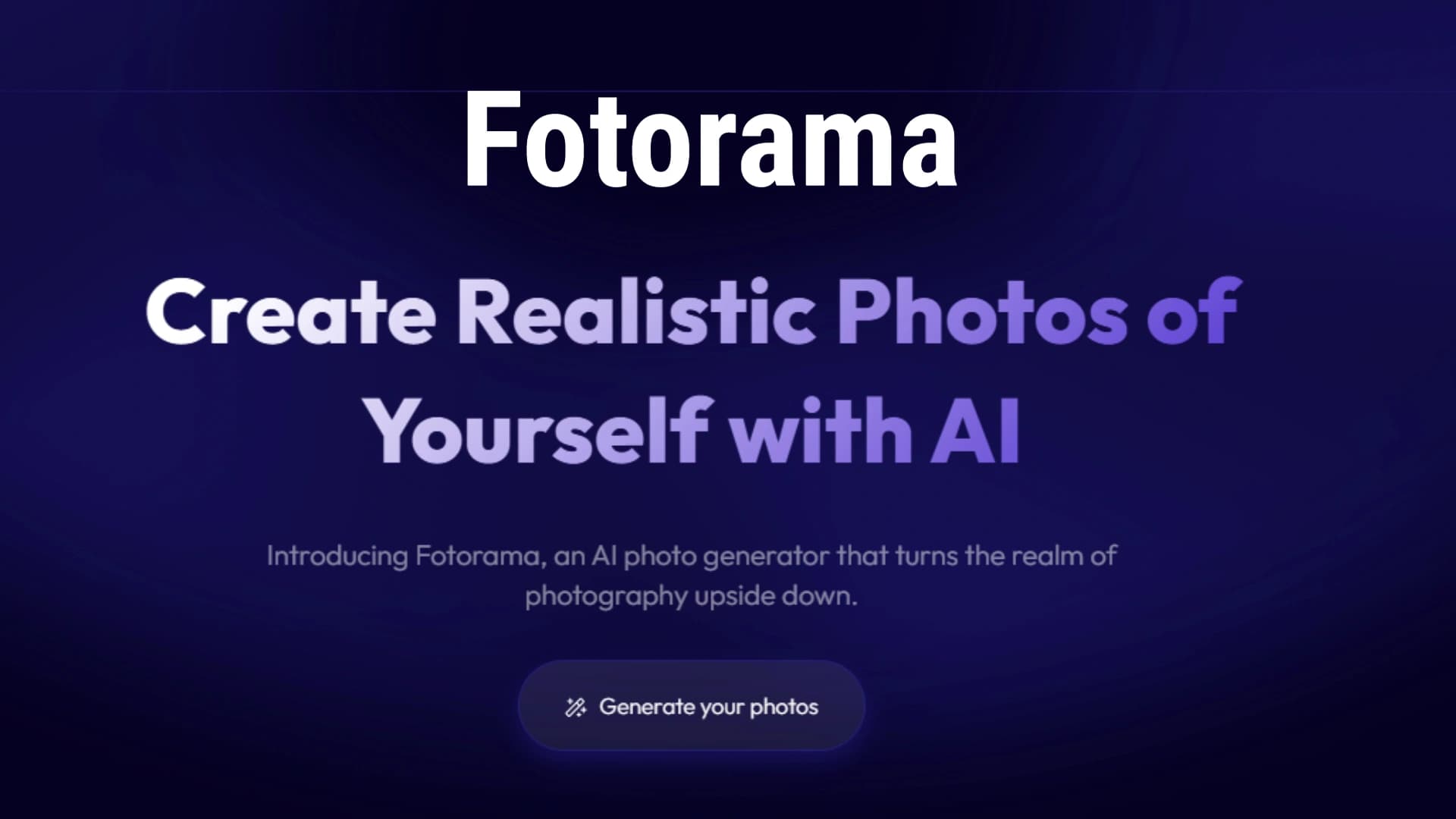
Fotorama Review: AI-Powered Portrait Photography Revolution
Discover how Fotorama's AI transforms ordinary photos into stunning portraits. Explore our in-depth review for practical tips on enhancing your digital imagery.
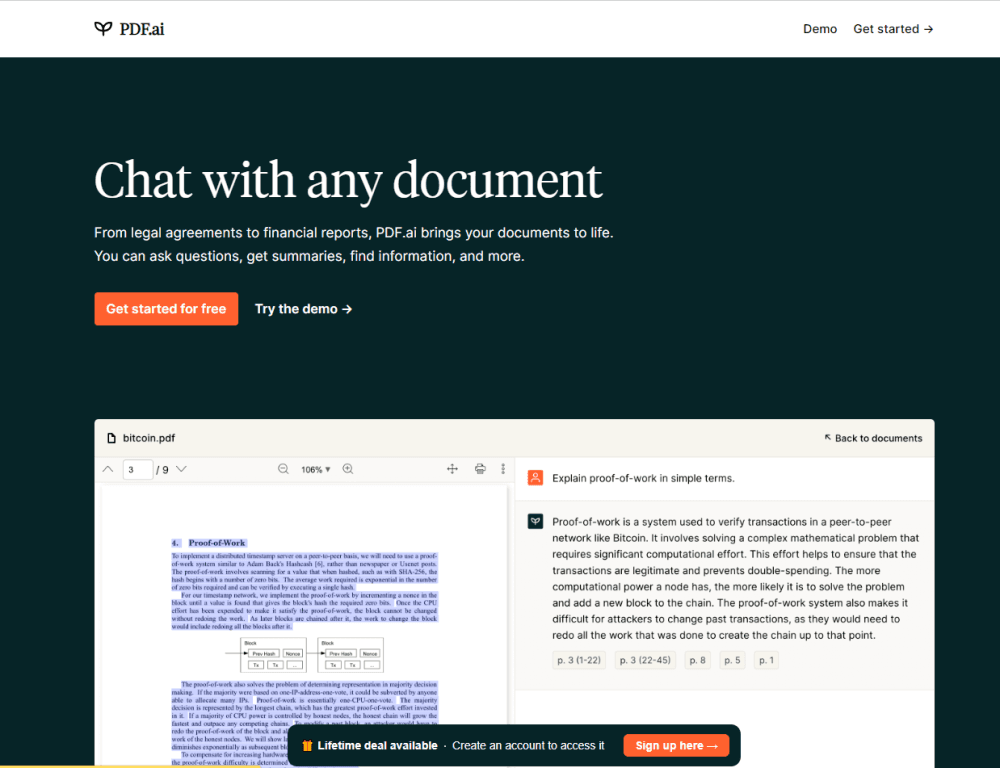
How to Use PDF.ai: A Comprehensive Guide for Beginners
Discover how to leverage PDF.ai's AI-powered features to interact with your documents efficiently. Learn tips, tricks, and best practices in our in-depth guide.
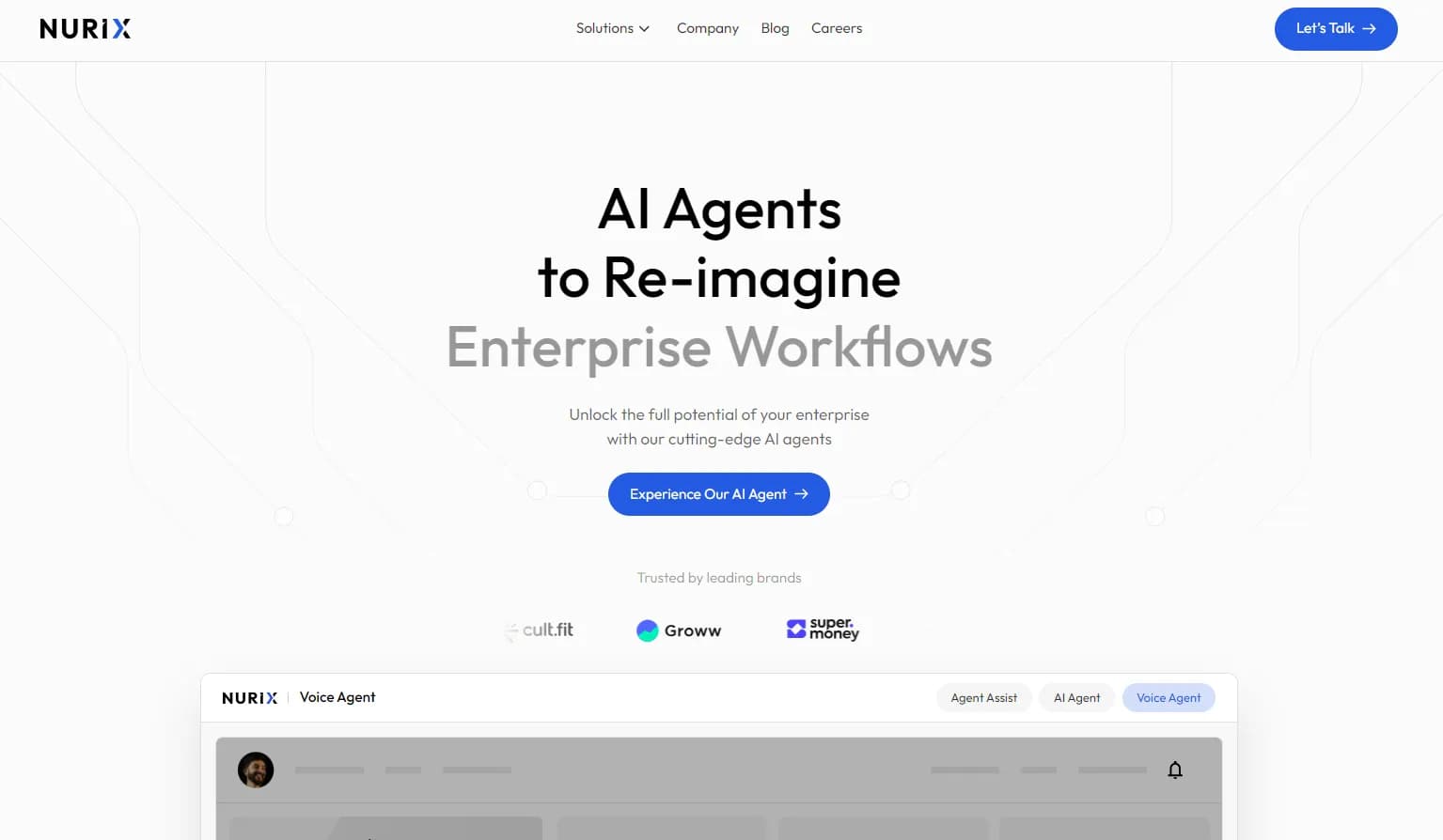
How to Use NURIX: Revolutionize Enterprise Workflows
Discover how to use NURIX AI to transform your enterprise workflows. Learn about custom AI agents, integration tips, and maximizing productivity. Explore the full guide now!