
Explore The Best AI Websites & Tool
Your all-in-one toolkit for productivity, creativity, and development. Over 40 powerful tools to streamline your workflow.
SearchHow to Use Glean: Boost Productivity with Work AI
What is Glean?
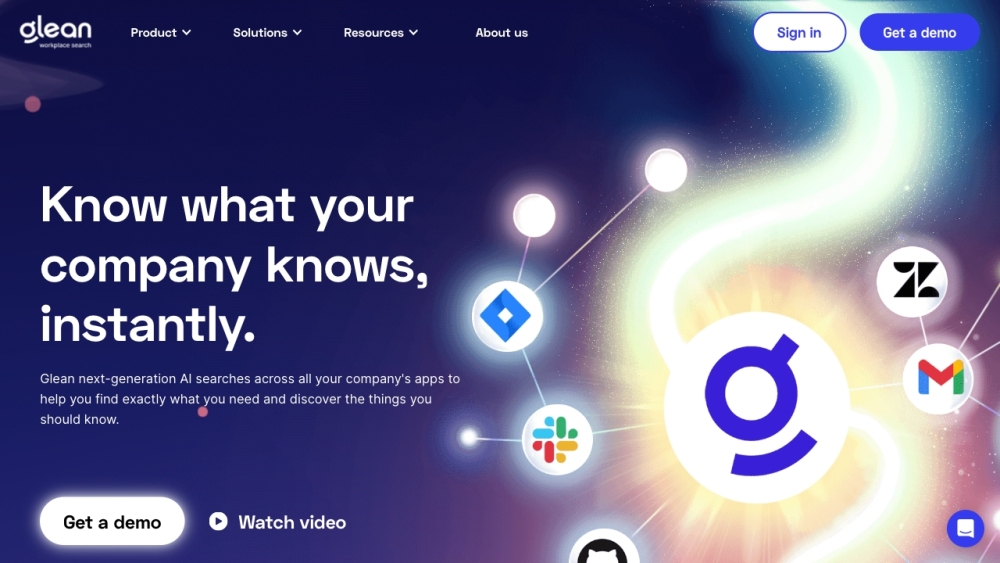
Glean is a cutting-edge Work AI platform designed to enhance productivity and streamline workflows for enterprise organizations. By integrating seamlessly with various data sources, Glean enables users to find, create, and automate tasks efficiently. Its core features include AI-powered workplace search, an intelligent assistant for generating content and insights, and tools for building no-code and low-code applications.
The platform is tailored to meet the needs of different teams, including engineering, sales, and support, providing valuable insights and facilitating collaboration. With Glean, organizations can save significant time—up to 110 hours per user annually—by automating repetitive tasks and optimizing information retrieval.
Glean is recognized for its innovative approach, having been named a "Cool Vendor" by Gartner, highlighting its impact on the digital workplace. By fostering a smarter and more connected work environment, Glean empowers teams to focus on what truly matters, driving success and enhancing overall performance.
Use Cases of Glean
Glean's versatility shines through its diverse applications across various sectors:
- Educational Support for Diverse Learners: Glean aids students with learning differences, such as dyslexia and ADHD, by offering a flexible note-taking system that helps them manage sensory overload and organize their thoughts effectively.
- Workplace Learning Enhancements: In corporate settings, Glean provides tools for workplace learners to improve their note-taking during meetings and training sessions, leading to increased knowledge retention and productivity.
- Remote Learning Facilitation: Glean supports students in managing their remote learning environments by integrating various resources into a single platform, helping them stay organized and engaged.
- Time Management for Busy Professionals: Glean aids professionals like student-athletes and working individuals in balancing their academic and career commitments through efficient note-taking and information retrieval tools.
- Collaboration and Organization: Glean enhances team collaboration by allowing users to share notes and insights seamlessly, benefiting project management and collective research efforts.
How to Access Glean
Accessing Glean is a straightforward process:
- Visit the Glean Website: Go to www.glean.com.
- Sign Up or Log In: Create a new account or sign in with existing credentials.
- Explore the Dashboard: Navigate through different sections to familiarize yourself with the platform's offerings.
- Download the Glean App (Optional): For a more seamless experience, consider downloading the desktop or mobile app.
- Access Support and Resources: Explore the Help Center or contact support through the integrated chat feature for assistance.
How to Use Glean: A Step-by-Step Guide
- Create Your Glean Account: Sign up for a free account on the Glean website.
- Record an Event: Use Glean to capture audio and upload presentation slides simultaneously during lectures or meetings.
- Label Important Moments: Mark key points in your notes for easy reference later.
- Organize Your Recordings: Categorize recordings into collections for efficient retrieval.
- Review and Annotate: Listen to recordings and add text notes or annotations to reinforce understanding.
- Utilize Reading View: Switch to "Reading View" for focused note-taking sessions with minimal distractions.
How to Create an Account on Glean
- Visit the Glean website at www.glean.com.
- Click on "Sign Up" on the homepage.
- Enter your information, including name, email address, and password.
- Agree to the terms and conditions.
- Submit your registration.
- Verify your email by clicking the link sent to your inbox.
- Log in to your new account and start exploring Glean's features.
Tips for Using Glean Effectively
- Utilize Audio Recordings: Capture important discussions during lectures and supplement them with text notes.
- Label Key Moments: Mark significant points in recordings for easy retrieval during study sessions.
- Organize Your Collections: Create subject-based collections to streamline your study process.
- Experiment with Features: Try different features like "Lightning Mode" and "Reading View" to find what suits your learning style best.
- Take Advantage of Resources: Utilize Glean's case studies and training videos to enhance your proficiency with the tool.
By implementing these strategies, users can leverage Glean's full potential to enhance their productivity, learning experience, and overall performance in both academic and professional settings. Whether you're a student looking to improve your study habits or a professional aiming to streamline your workflow, Glean offers a comprehensive solution to meet your needs.
Trending


How to Use RunComfy: Ultimate Guide to AI Art Generation
Discover how to use RunComfy for cloud-based AI art creation. Learn step-by-step tips, features, and best practices. Explore our comprehensive guide now!
How to Use Brev.ai: AI Music Generator Guide
Learn how to create unique, royalty-free music with Brev.ai. Our comprehensive guide covers access, account creation, and tips for AI-powered music generation.

Google's Gemini Live Brings Advanced Voice Chat to Your Phone
Google's Gemini Live offers a more natural conversational AI experience and challenges Siri and OpenAI’s advanced voice modes, but falls short of expectations in some areas.

How to Use Clickworker: A Comprehensive Guide for Beginners
Learn how to use Clickworker effectively, from creating an account to maximizing your earnings. Explore our practical guide for success in online microtasks.

Rosytalk Review: The Ultimate AI Companion App | 2023 Guide
Discover Rosytalk, the innovative AI companion app offering personalized interactions, emotional support, and creative expression. Explore our in-depth review for practical tips.