
Explore The Best AI Websites & Tool
Your all-in-one toolkit for productivity, creativity, and development. Over 40 powerful tools to streamline your workflow.
SearchAnthropic's New AI Tool Redefining Automation with Human-Like Computer Use
Anthropic, a prominent AI startup backed by major tech players like Alphabet and Amazon, is making waves with its latest development in artificial intelligence. The newly unveiled “computer use” feature marks a significant leap forward in the evolution of AI agents—programs designed to autonomously execute tasks that typically require human intervention. This advancement not only showcases the potential of AI in automating mundane activities but also highlights a shift from traditional chatbots to more sophisticated AI systems capable of executing multi-step actions.
Understanding the Computer Use Feature
The “computer use” capability enables Anthropic’s Claude AI to analyze real-time activities on a user's computer screen. With user consent, it can perform various online tasks such as browsing the web, clicking on links, and typing text. This functionality aims to streamline workflows and enhance productivity by allowing users to delegate repetitive tasks to the AI.

How Computer Use Works
- Real-Time Interaction: Unlike many existing AI tools that rely on background integrations with applications, Anthropic's approach allows its Claude computer use to directly interpret and interact with what is displayed on the user's screen.
- Task Execution: The AI can manage complex tasks such as planning events or searching for information. For instance, during a demonstration, it successfully coordinated logistics for a sunrise hike by finding routes and sending calendar invites—all autonomously.

Target Users and Practical Applications
The initial rollout of this feature is aimed at software developers and enterprise clients who can leverage its capabilities for various applications:
- Project Management: Tools like Asana and Canva are already exploring how this technology can assist in project workflows.
- Customer Support: Companies like Salesforce are integrating similar AI functionalities into their customer service platforms, enhancing response times and efficiency.
Ensuring Safety and Addressing Limitations
While the potential of this technology is vast, Anthropic has implemented several safeguards to mitigate misuse:
- User Oversight: Developers can set parameters around when the AI can take action on behalf of users, ensuring human oversight remains integral.
- Limitations on Actions: The tool is designed to avoid engaging in potentially harmful activities such as social media interactions or account creations without explicit user guidance.
Despite these precautions, Jared Kaplan, co-founder and chief science officer at Anthropic, acknowledged that the technology is still evolving. The AI may struggle with certain nuanced actions like dragging or zooming, indicating that while promising, it is not yet flawless.

Navigating the Competitive Landscape
Anthropic's introduction of the “computer use” feature comes at a time when other tech giants are also advancing their own AI capabilities:
- Microsoft recently unveiled a suite of tools aimed at automating email communications and record management.
- Salesforce showcased its enterprise applications designed for customer support automation during its latest conference.
These developments illustrate a broader trend in the industry towards creating more autonomous systems that can handle increasingly complex tasks with minimal human input.
Looking Ahead: Future Developments
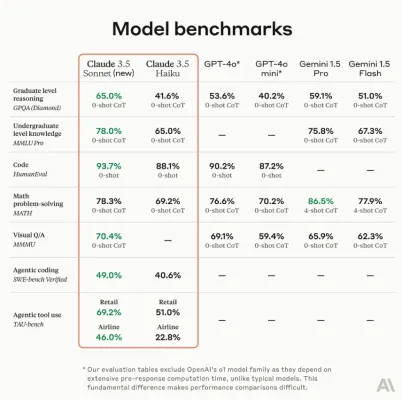
Looking ahead, Anthropic plans to refine its offerings further based on developer feedback from the beta testing phase. The company is also expected to release updates for its Claude models, including enhancements related to Claude 3.5 Haiku and the anticipated Anthropic Claude 3.5 Sonnet, which aim to improve their capabilities in coding and reasoning.
As businesses continue to seek ways to improve efficiency through automation, technologies like Anthropic's “computer use” feature could redefine how tasks are managed across various sectors. The integration of such advanced AI tools promises not only to save time but also to empower users by allowing them to focus on more strategic initiatives rather than mundane tasks.
For those interested in exploring more about cutting-edge AI developments and tools available today, visit AIPURE(https://aipure.ai) for comprehensive insights and resources.
Trending

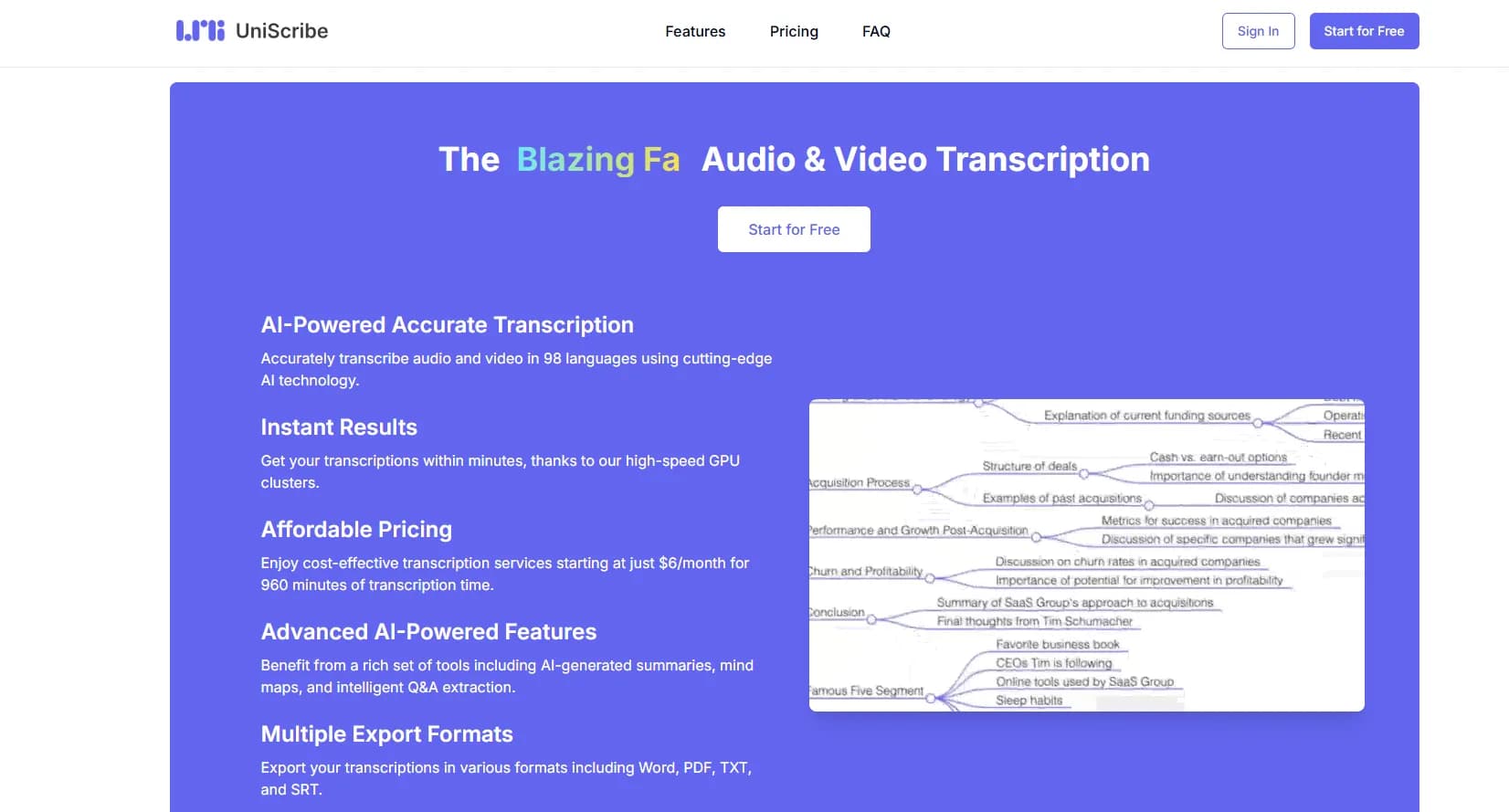
How to Use UniScribe: AI-Powered Transcription Guide
Discover how to use UniScribe for accurate AI transcription and translation. Learn tips, create an account, and optimize your workflow. Explore the full guide now!
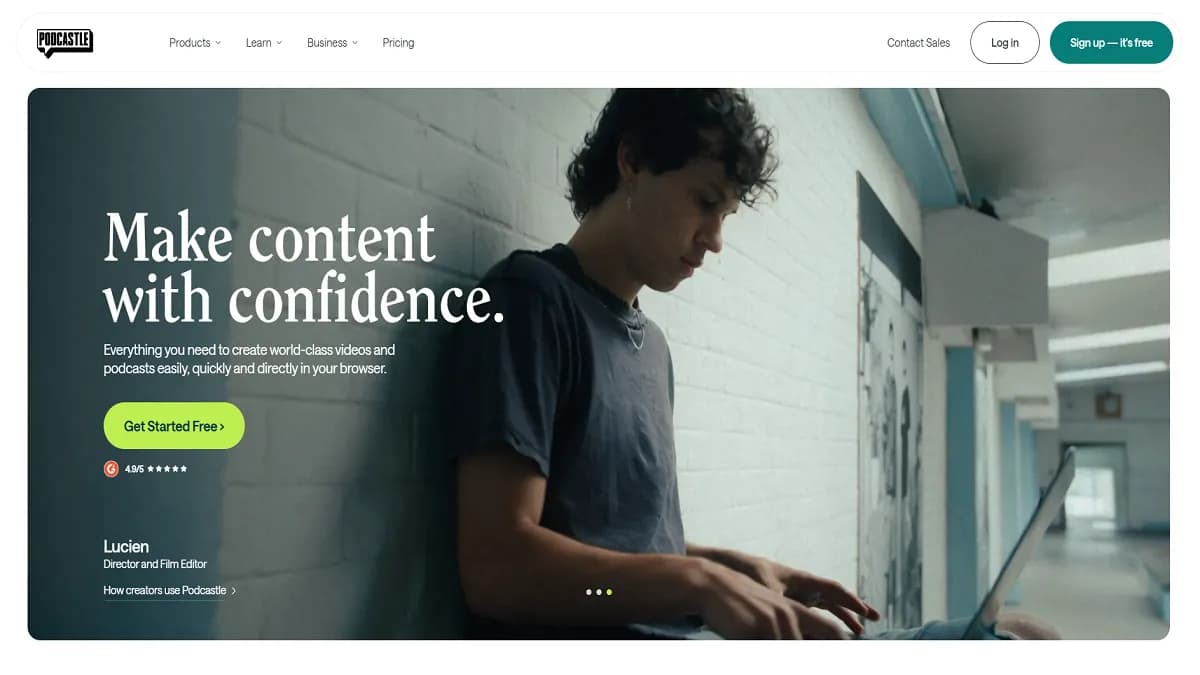
Podcastle Review: AI-Powered Podcast Creation Platform
Discover how Podcastle revolutionizes podcast creation with AI tools. Learn about its features, benefits, and alternatives in our comprehensive guide.
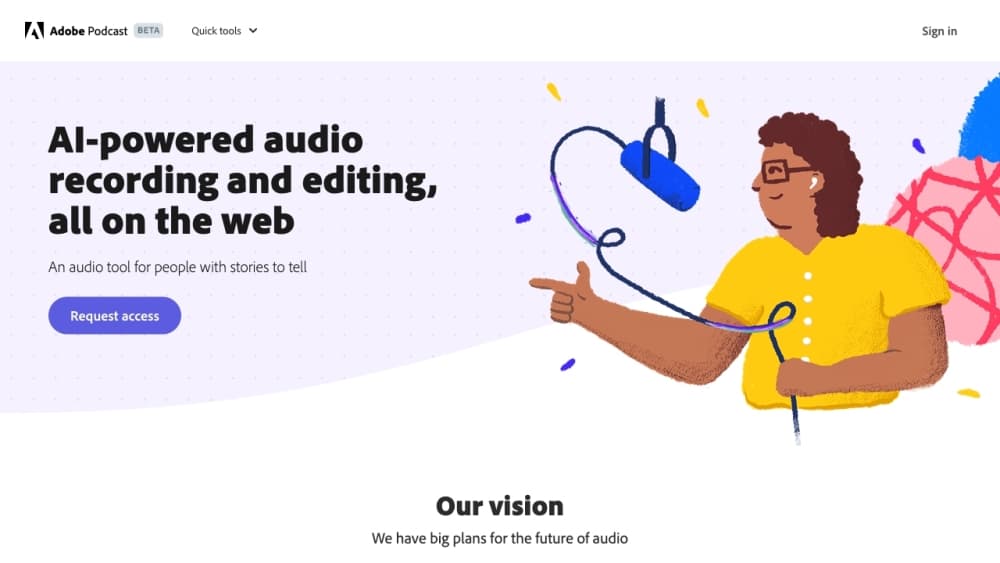
How to Use Adobe Podcast: AI-Powered Audio Editing Guide
Discover how to use Adobe Podcast's AI-powered tools to enhance your audio quality, streamline editing, and create professional podcasts. Explore our full guide for practical tips.
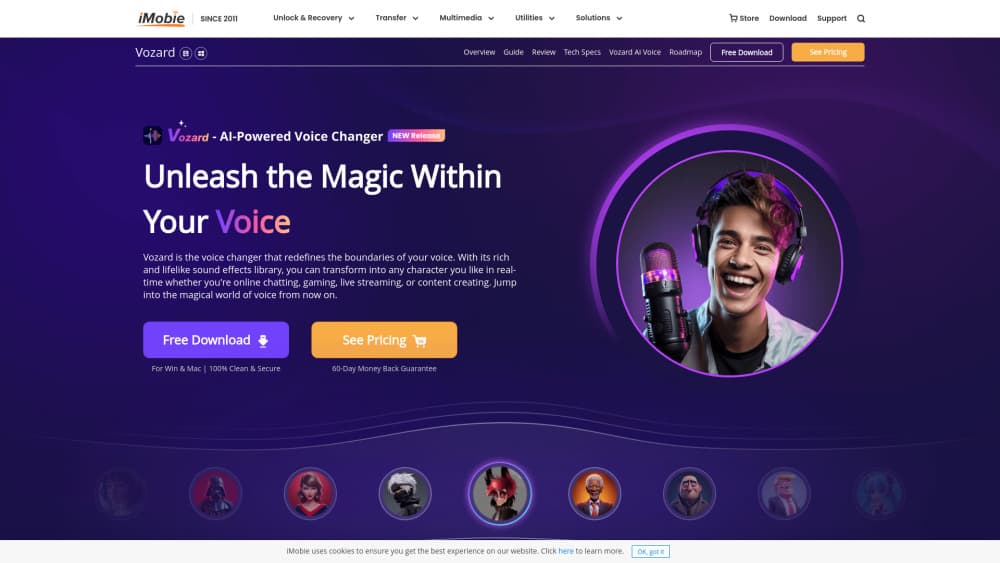
How to Use Vozard: AI Voice Changer for Gaming & Content
Learn how to use Vozard, the AI voice changer for gaming and content creation. Explore our guide for practical tips on transforming your voice in real-time.

Krea AI New Video Models in Beta: Featuring Hailuo AI, Luma AI Dream Machine, Runway, and Kling
Krea AI has announced the upcoming launch of its new integrated video model designed specifically for creators, combining the capabilities of four leading AI generators: Hailuo AI, Luma AI Dream Machine, Runway, and Kling AI. Set to deliver a comprehensive one-stop solution, the model is currently in its testing phase but is available for preview by paid users.