
Explore The Best AI Websites & Tool
Your all-in-one toolkit for productivity, creativity, and development. Over 40 powerful tools to streamline your workflow.
SearchPixVerse WebUI Overhaul: Introducing Floating Create Hub, Discovery Pool, and More
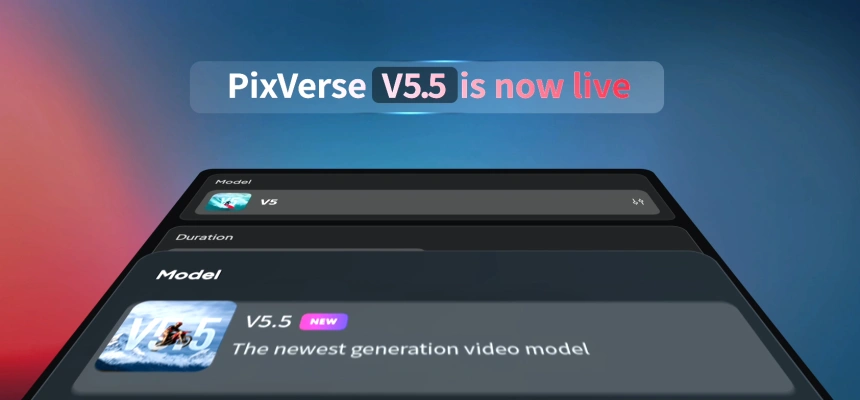
PixVerse WebUI Overhaul Release Date
In a significant leap forward for AI-powered video creation, PixVerse has announced a major overhaul of its Web User Interface (WebUI) on September 20, 2024. This update introduces several game-changing features designed to enhance user experience and simplify the video creation process for creators of all skill levels.
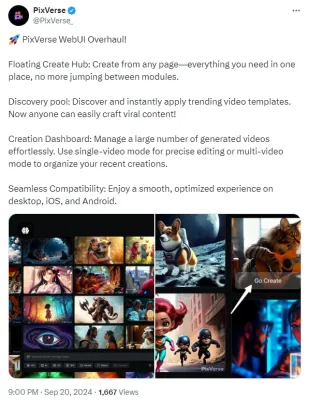
(PixVerse's Latest Twitter Post Announcing the PixVerse WebUI Overhaul: https://twitter.com/PixVerse_/status/1837114671117357348)
Key Features of the PixVerse WebUI Overhaul
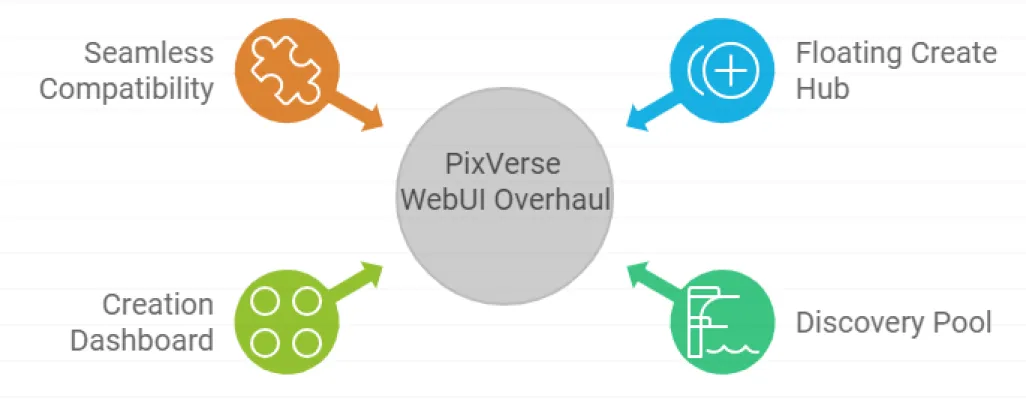
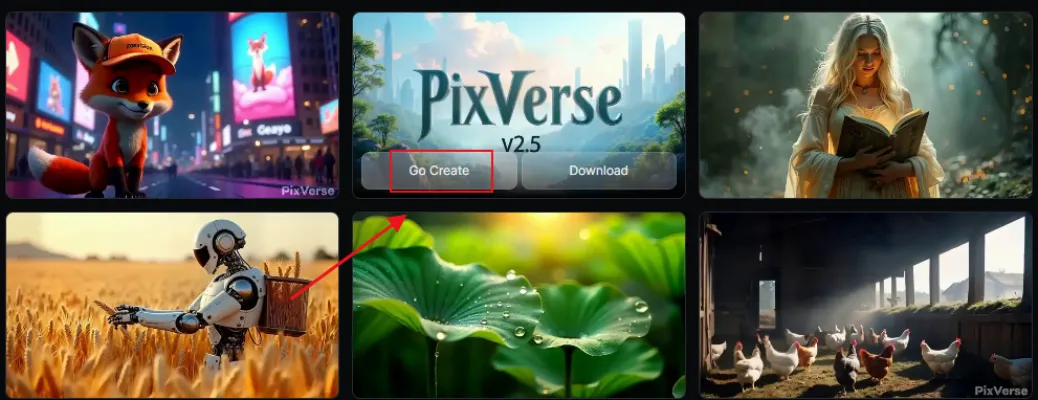
- Floating Create Hub
The new Floating Create Hub allows users to initiate video creation from any page within the platform. This innovative feature consolidates all necessary tools in one place, eliminating the need to switch between different modules. By streamlining the creation process, PixVerse empowers users to bring their ideas to life more efficiently than ever before.
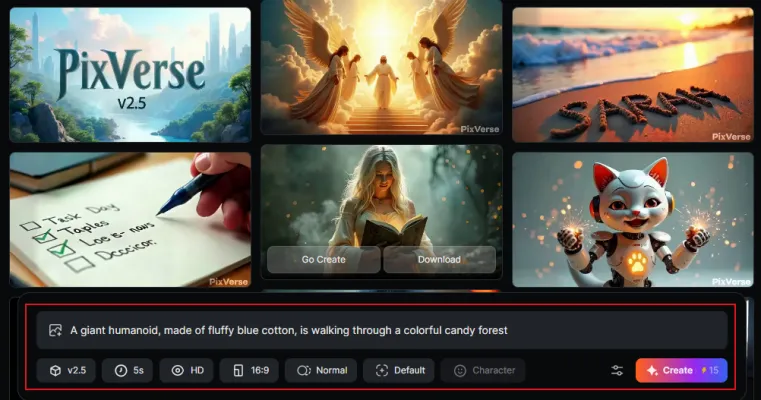
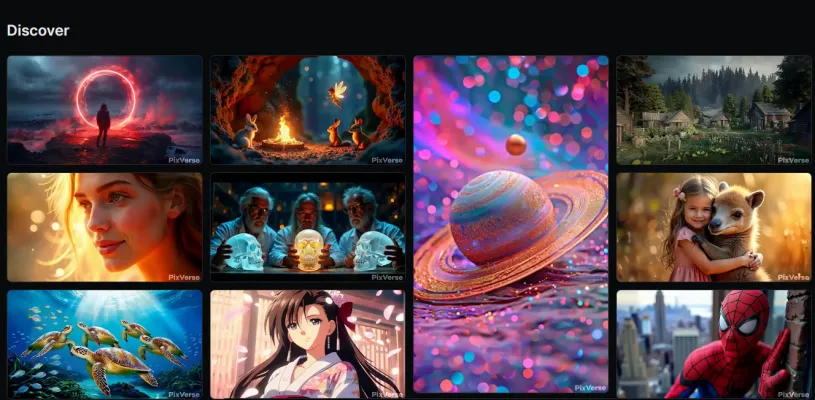
- Discovery Pool
With the introduction of the Discovery Pool, PixVerse has made it easier for users to find inspiration and create viral content. This feature showcases trending video templates that users can instantly apply to their projects. By providing access to popular and successful templates, PixVerse democratizes the creation of engaging content, allowing anyone to craft potentially viral videos with ease.
- Creation Dashboard
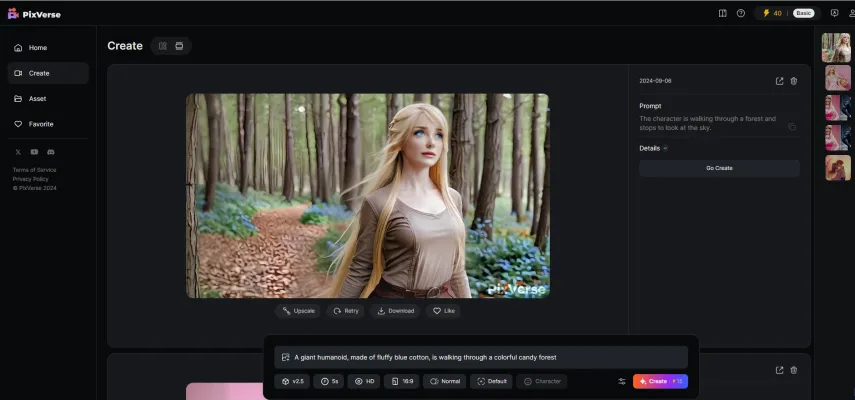
The new Creation Dashboard is a powerful tool for managing multiple video projects. It offers two modes of operation:
★ Single-video mode for precise editing of individual projects
★ Multi-video mode for organizing recent creations
This feature is particularly beneficial for users working on numerous videos simultaneously, providing an efficient way to oversee and edit their work.
- Seamless Compatibility
PixVerse has ensured that the new WebUI provides a smooth and optimized experience across desktop, iOS, and Android platforms. This cross-platform compatibility allows users to create and edit videos seamlessly, regardless of their preferred device.
Conclusion of PixVerse WebUI Overhaul
The PixVerse WebUI overhaul represents a significant advancement in AI-powered video creation technology. By introducing features like the Floating Create Hub, Discovery Pool, and Creation Dashboard, PixVerse has made professional-quality video production more accessible and efficient for creators of all levels.
PixVerse Related Articles
- PixVerse V2.5 Release: Create Flawless AI Videos Without Lag or Distortion!
- PixVerse V2.5 vs Luma AI Dream Machine 1.5: A Comprehensive Comparison of AI Video Generators
- PixVerse 2.5 vs Kling AI: Best AI Video Generator in September 2024! | text to Video | AIPURE
- PixVerse V2.5 Hugging Video Tutorial | How to Create AI Hug Videos in September 2024
- Learn How to Make Money Online with AI Using AIPURE
- How to Use PixVerse V2.5 by AIPURE: A Comprehensive Tutorial
- Best 3 AI Hug Video Generators in September 2024 | AIPURE
For the latest AI news, best AI tools, and comprehensive guides on using AI tools to generate income, visit AIPURE(https://aipure.ai). Stay informed about cutting-edge developments in AI technology and learn how to leverage these advancements to enhance your creative projects and business endeavors.
Trending

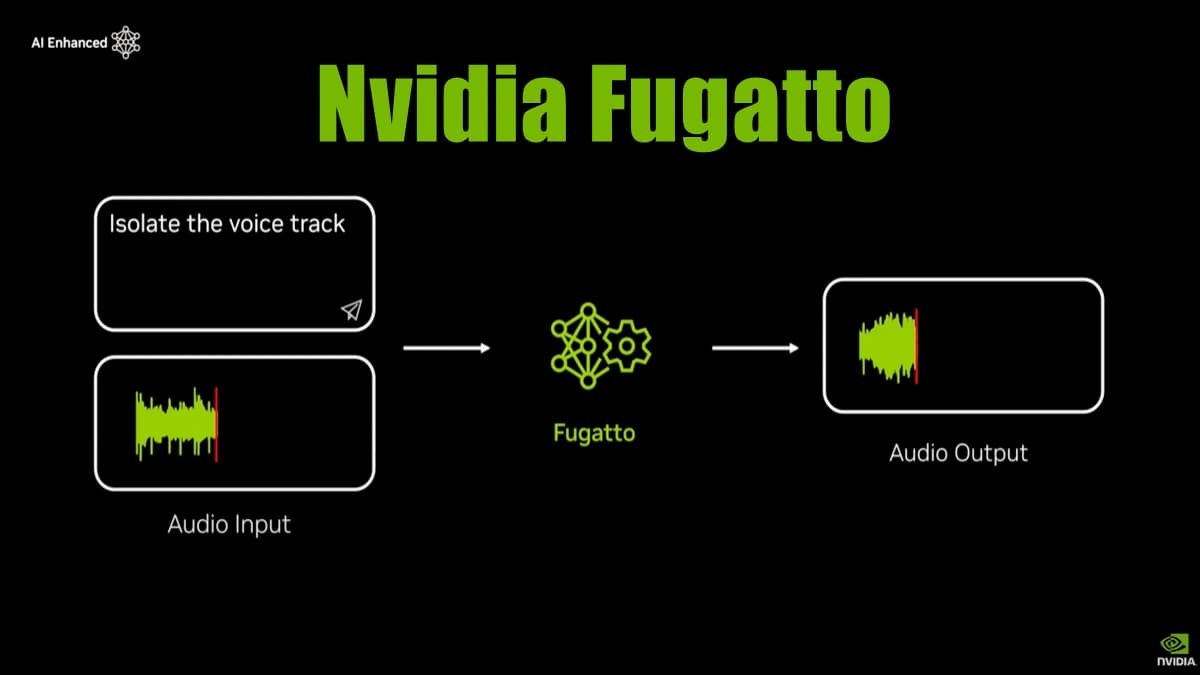
Nvidia Unveils Fugatto: AI-Powered Audio Generator Crafting "Never-Before-Heard" Sounds
Nvidia's latest innovation, Fugatto, launched on November 25, 2024, is transforming the landscape of audio generation by enabling users to create unique sounds and music from text and audio prompts. This cutting-edge AI tool promises to revolutionize how sound designers and musicians approach their craft.
Inbox AI Review: Boost Productivity with Voice AI Automation
Discover how Inbox AI revolutionizes email management and task automation. Explore voice commands, privacy features, and seamless integrations in our comprehensive guide.
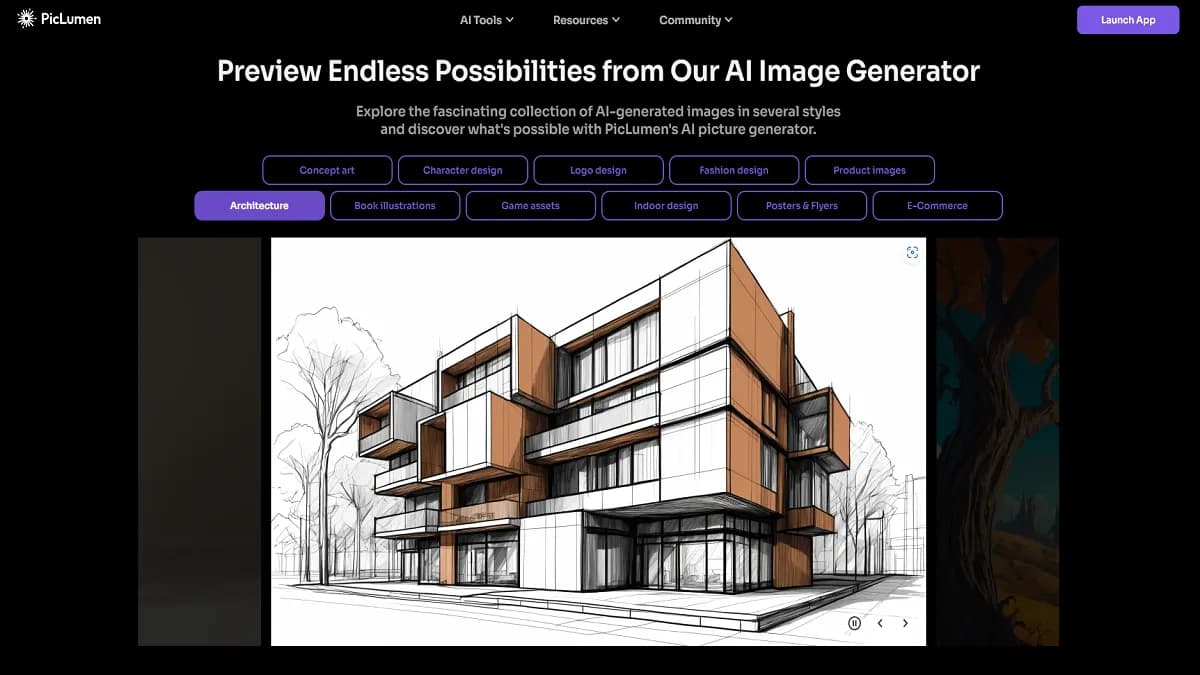
PicLumen AI image Generator Review: Unleash Creativity
Explore PicLumen AI image Generator's features, benefits, and alternatives. Learn how this tool can transform your creative projects with AI-powered visuals.
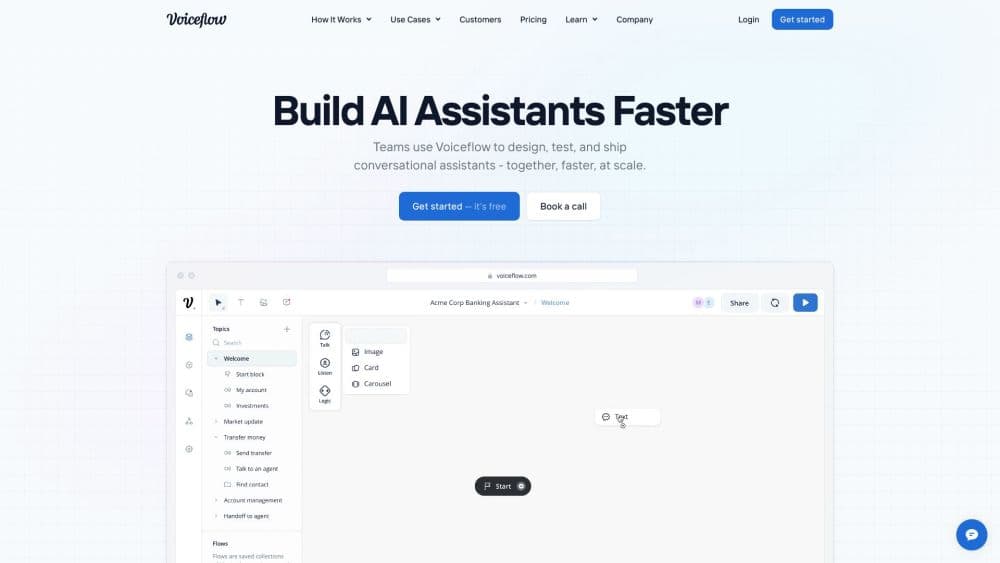
How to Use Voiceflow: A Comprehensive Guide for AI Agents
Learn to master Voiceflow for building AI agents. Explore practical tips on creating, testing, and deploying conversational experiences. Unlock the power of no-code AI.
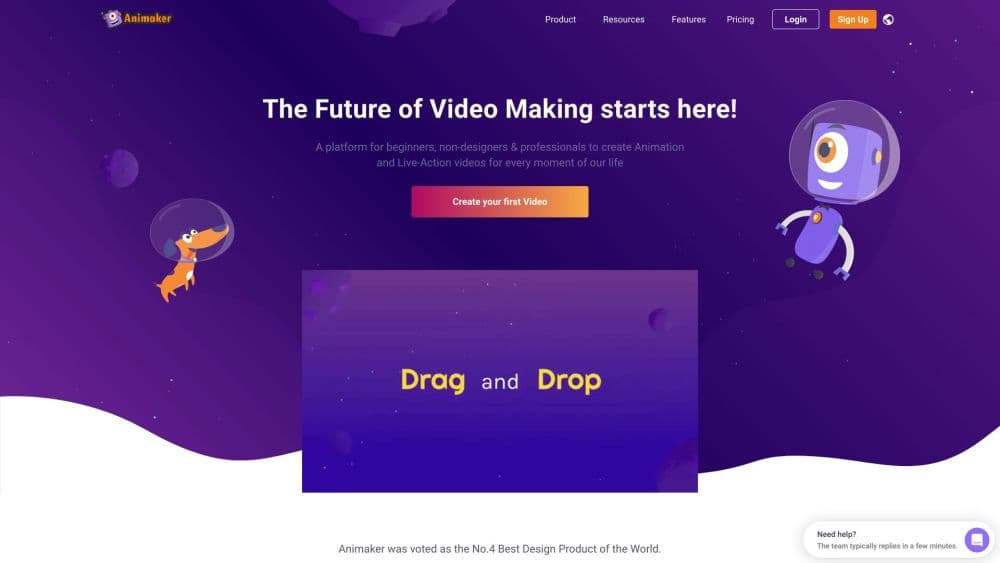
How to Use Animaker AI: Create Pro Animated Videos Fast
Learn to create stunning animated videos with Animaker AI. Our guide covers accessing the platform, account creation, and pro tips for optimal results.