
Explore The Best AI Websites & Tool
Your all-in-one toolkit for productivity, creativity, and development. Over 40 powerful tools to streamline your workflow.
SearchAnthropic's Claude Artifacts Now Accessible to All Claude Users: Create and View on iOS and Android
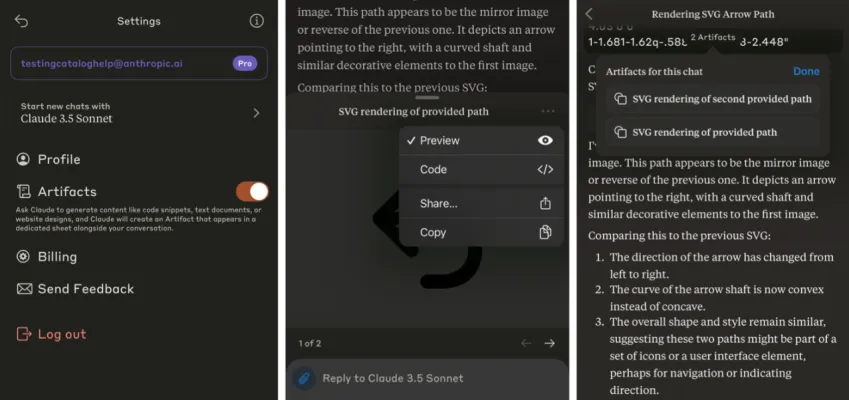
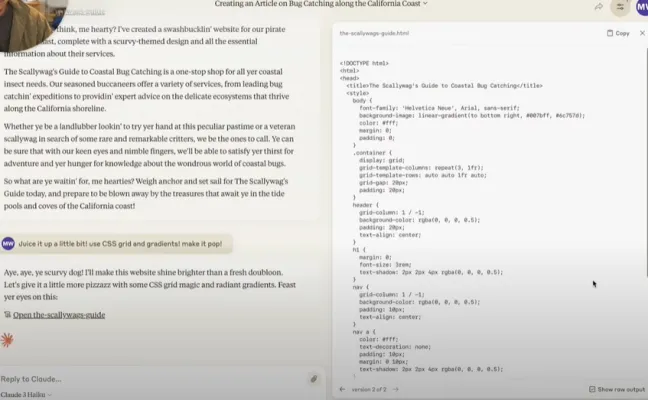
Anthropic, a leading AI startup in San Francisco, has recently announced that its powerful "Artifacts" feature for the Claude series of large language models is now generally available to all users as of August 27, 2024. This groundbreaking feature allows all users to generate interactive visualizations, charts, and even mini-games directly within the Claude interface, revolutionizing the way we create and interact with AI-powered content. You can now also create and view Artifacts on the Claude iOS and Android apps.
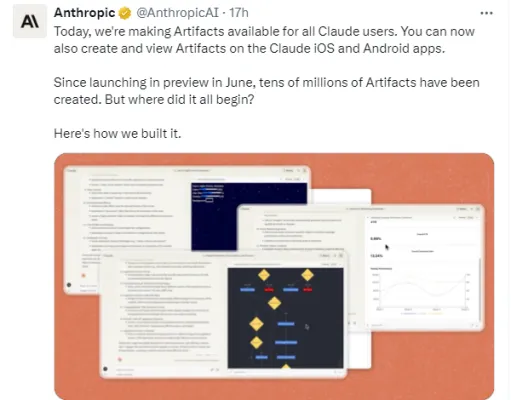
(Anthropic's Claude Artifacts Twitter Post Link: https://twitter.com/AnthropicAI/status/1828462522468372600)
Generating Interactive Visualizations with Ease

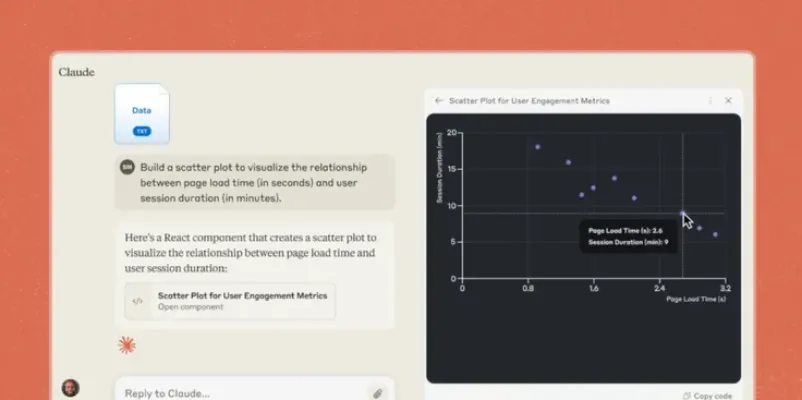
With the new Artifacts feature, users can now open a dedicated window alongside the Claude chat interface to run code snippets or complete programs generated by Claude. Simply make a request, and Claude will bring your ideas to life with stunning interactive visualizations, charts, and more, all within your browser or mobile app.
Accessibility and Versatility
Previously, the Artifacts feature required manual enablement, but now it is available to all users of the free, professional, and team versions of Claude, including the iOS and Android mobile apps. This means that users can easily create and interact with AI-generated content anytime, anywhere, further enhancing the accessibility and versatility of the platform.
Collaborative Creation and Sharing
One of the standout features of Artifacts is its ability to promote collaboration and sharing among users. Free and professional plan users can share and remix Artifacts with the wider Claude community, allowing for a dynamic exchange of ideas and resources. For team plan users, Artifacts can be shared within projects, ensuring safe and efficient collaboration among team members.
Diverse Output Formats and Applications
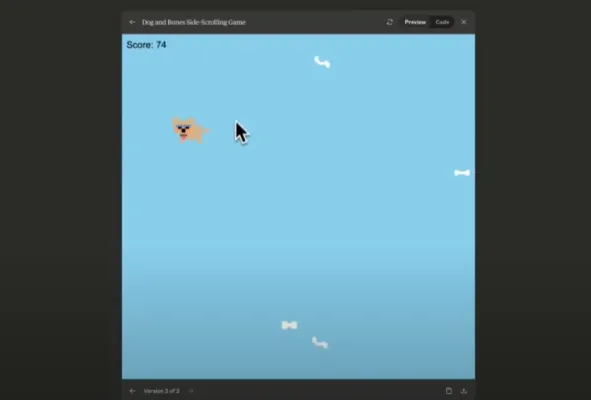
The Artifacts feature supports a wide range of output formats, including code snippets, flowcharts, SVG graphics, websites, and interactive dashboards. This versatility opens up a world of possibilities for various applications:
- Developers: Can create architecture diagrams directly from code repositories
- Product Managers: Can quickly develop interactive prototypes for feature testing
- Designers: Can easily produce visual samples and mockups
- Marketing Teams: Can design campaign dashboards with performance metrics
- Sales Teams: Can visualize sales pipelines and predictive insights more effectively
As Artifacts becomes an integral part of the Claude experience, Anthropic looks forward to seeing the diverse and innovative applications that emerge from users worldwide. This feature represents a significant step forward in the realm of AI-powered content creation, making it easier than ever for all users to bring ideas to life through interactive visualizations and collaborative sharing.
To stay updated on the latest AI news and discover more AI tools like Claude, visit AIPURE at https://aipure.ai/.
Trending

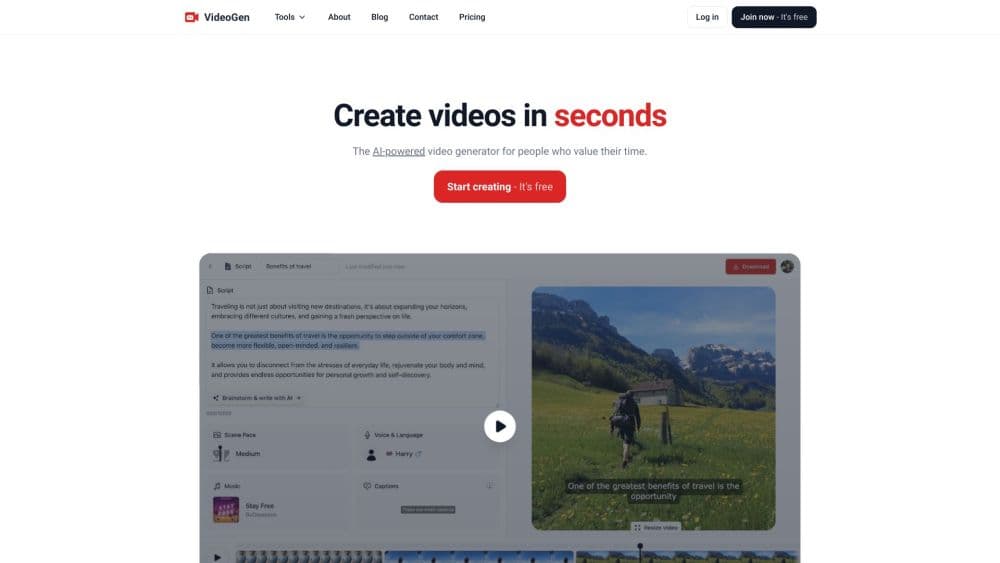
How to Use VideoGen - AI Video Generator: Ultimate Guide
Learn how to create stunning videos effortlessly with VideoGen AI. Explore our comprehensive guide for practical tips on leveraging this powerful video generator.
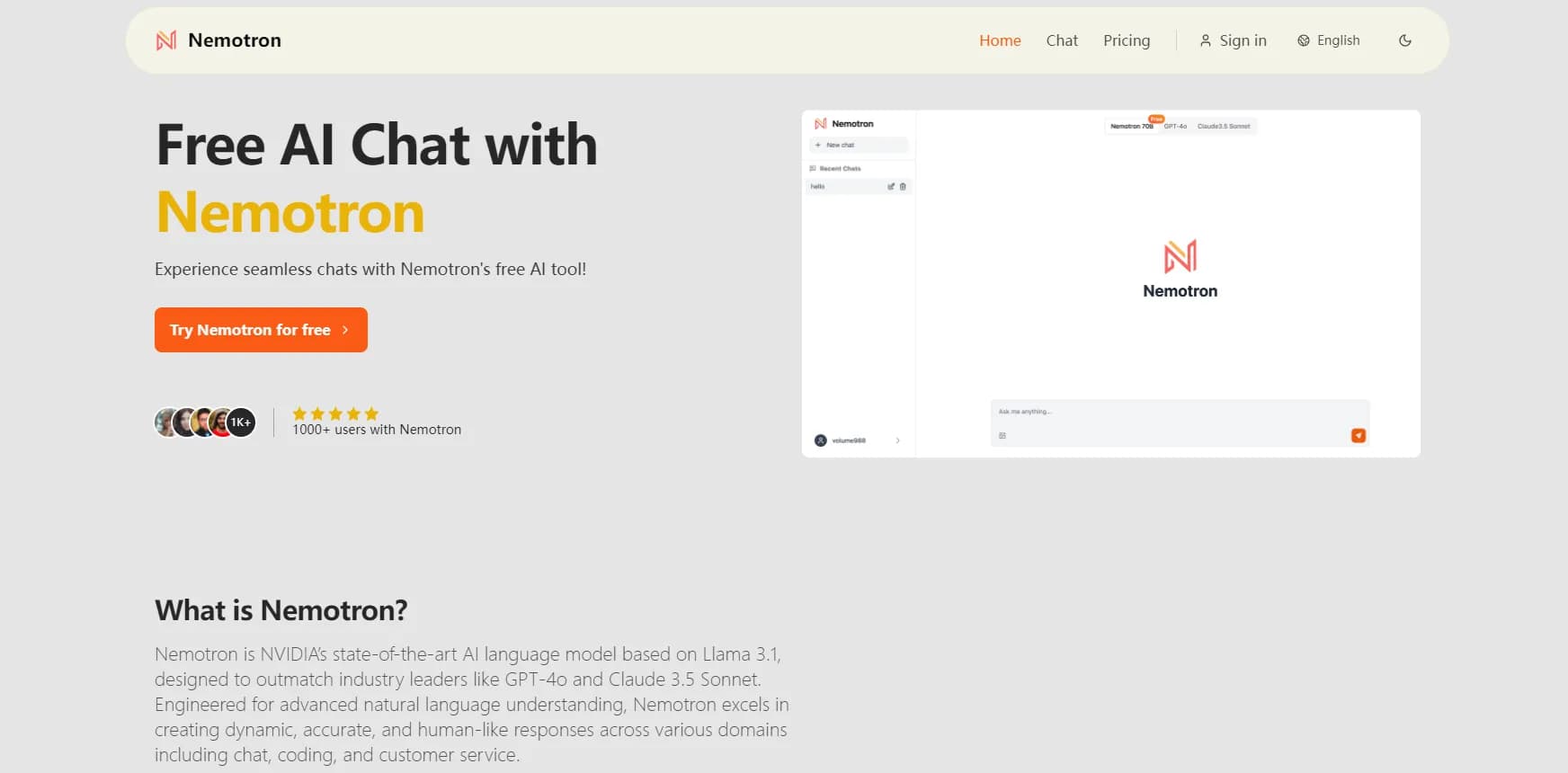
How to Use Nemotron: NVIDIA's Advanced AI Language Model
Discover how to harness Nemotron, NVIDIA's powerful AI language model. Learn access steps, use cases, and tips for optimal performance. Explore the full guide now!

YOUR.GG Review: AI-Powered League of Legends Analytics
Discover how YOUR.GG revolutionizes League of Legends gameplay with AI-driven insights, personalized recommendations, and community features. Explore our full guide now!
AI Hallucinations: Understanding and Mitigating the Challenges
Discover why AI chatbots hallucinate and explore the latest strategies to mitigate these inaccuracies in generative AI models.
Ideogram Canvas Review: AI-Powered image Creation Tool
Explore Ideogram Canvas, an innovative AI platform for image manipulation. Learn about Magic Fill, Extend, and more. Discover how it revolutionizes digital creativity.