
Explore The Best AI Websites & Tool
Your all-in-one toolkit for productivity, creativity, and development. Over 40 powerful tools to streamline your workflow.
SearchHow to Use Podcastle: AI-Powered Podcast Creation Guide
What is Podcastle?
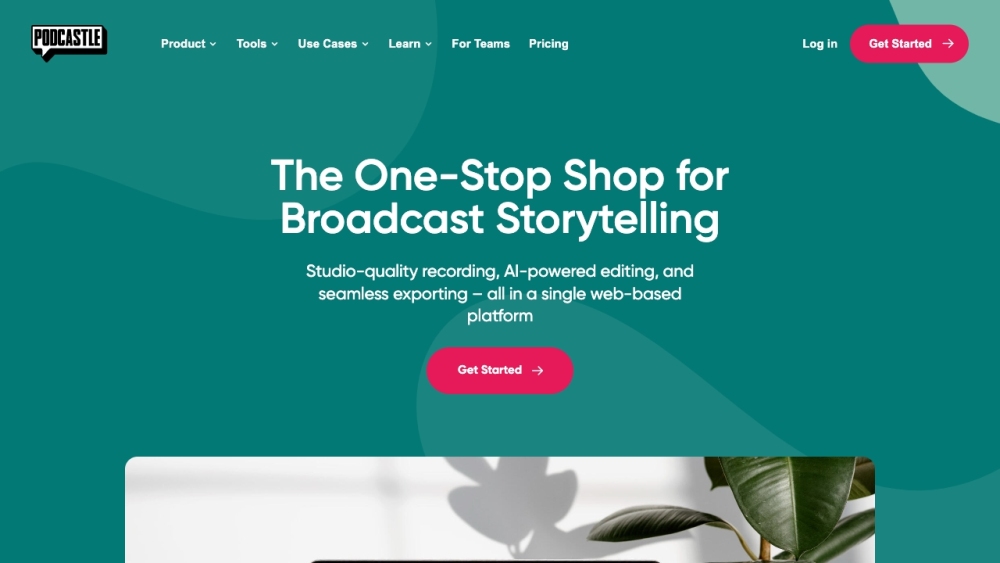
Podcastle is an innovative AI-powered podcast creation platform designed to simplify the process of audio and video content production. Catering to both beginners and experienced creators, Podcastle offers a comprehensive suite of tools that include recording, editing, transcribing, and enhancing audio and video podcasts directly in a web browser.
Key features of Podcastle include remote recording capabilities for multiple participants, an intuitive timeline-based audio editor, and AI-driven enhancements like automatic noise reduction and filler word removal. Users can also benefit from text-to-speech technology, enabling them to generate lifelike audio from written content.
With flexible pricing options and a user-friendly interface, Podcastle is ideal for content creators across various domains, including educators, marketers, and podcasters. It empowers users to produce high-quality audio and video content efficiently, making it a go-to solution for anyone looking to elevate their media projects.
Use Cases of Podcastle
Podcastle is a versatile platform designed to cater to various content creation needs, making it an invaluable tool for creators across different fields. Here are some prominent use cases:
- Podcasting: Podcastle simplifies the podcast creation process with its user-friendly interface and AI-powered editing tools. Users can record, edit, and publish high-quality audio podcasts, even from remote locations with multiple participants. Features like background noise removal and transcription enhance the listening experience.
- Education: Educators can leverage Podcastle to create engaging learning materials. The platform allows for the easy integration of audio and video, enabling the production of lectures, tutorials, and guest speaker presentations. With text-to-speech capabilities and AI transcription, educators can make their content accessible to a wider audience.
- Audiobooks: Authors and narrators can utilize Podcastle's AI tools to streamline the audiobook creation process. The platform ensures high audio quality, meeting industry standards, and offers features like sound enhancement and seamless editing, making it suitable for both novice and experienced audiobook creators.
- Business Communications: Organizations can enhance their internal and external communications using Podcastle. The platform supports webinars, video conferencing, and screen sharing, making it ideal for presentations and team meetings. Its collaborative features facilitate efficient teamwork and content sharing.
- Social Media Content: Content creators can produce eye-catching social media clips and video podcasts effortlessly. Podcastle's quick editing tools and AI enhancements allow for the rapid creation of engaging content tailored for platforms like Instagram and TikTok, helping users grow their online presence.
By offering a wide range of functionalities, Podcastle empowers creators across industries to produce high-quality audio and video content efficiently.
How to Access Podcastle
Accessing Podcastle is a straightforward process that allows you to unleash your creativity in audio and video content creation. Follow these simple steps:
- Visit the Website: Go to https://podcastle.ai using your preferred web browser. This is the official platform where you can find all the features and tools Podcastle has to offer.
- Sign Up or Log In: If you are a new user, click on the "Sign up — it's free" button to create an account. You can register using your email, Google, Facebook, or Apple ID. If you already have an account, simply click on the "Log in" button and enter your credentials.
- Explore the Dashboard: Once logged in, you will be directed to the Podcastle dashboard. Here, you can access various tools for recording, editing, and managing your audio and video projects. Familiarize yourself with the layout to maximize your efficiency.
- Download the Mobile App (Optional): For on-the-go recording and editing, consider downloading the Podcastle mobile app available on the iOS App Store. This allows you to create and manage content directly from your iPhone.
- Start Creating: Begin your content creation journey by exploring the available features like the audio editor, recording studio, and AI tools. You can easily record, edit, and publish your podcasts and videos right from the platform.
By following these steps, you will be well on your way to creating high-quality content using Podcastle!
How to Use Podcastle
- Sign Up for an Account: Visit Podcastle.ai and click on "Sign Up." You can create an account using your email or through social media platforms. This will give you access to all the tools Podcastle offers.
- Choose Your Project Type: Once logged in, select the type of content you want to create—whether it's a podcast, video podcast, or social media clip. This helps tailor the tools and features to suit your project.
- Record Your Content: Use the "Recording Studio" feature to record your audio or video. You can invite guests to join remotely, allowing for seamless interviews and collaborations.
- Edit Your Audio/Video: Utilize the "Audio Editor" and "Video Editor" to refine your recordings. Cut unnecessary parts, add transitions, and enhance audio quality using tools like background noise removal and filler word detection.
- Add AI Enhancements: Leverage Podcastle's AI tools, such as "Magic Dust" for noise reduction and auto transcription for accessibility. These features significantly improve the overall quality of your content.
- Publish and Distribute: Once satisfied with your edits, use the "Hosting Hub" to distribute your content to various podcast platforms easily. You can also export your files for other uses.
- Promote Your Podcast: Finally, share your podcast on social media and engage with your audience to build a listener base. Utilize the insights from Podcastle to track your performance and refine your strategy.
How to Create an Account on Podcastle
- Visit the Podcastle Sign-Up Page: Go to Podcastle's sign-up page.
- Choose Your Sign-Up Method: You can sign up using a social media account (Google, Facebook, or Apple) for quick registration, or you can opt for the traditional email/password method.
- Fill in Your Details: If you choose to sign up with email, enter your email address and create a password. Make sure your password is strong to secure your account.
- Accept Terms and Policies: Read and accept Podcastle's Terms of Service, Privacy Policy, and Cookie Use policy.
- Complete Registration: Click the "Get Started" button to complete the registration process. You may receive a confirmation email—follow the instructions in that email to verify your account.
- Sign In: Once your account is verified, return to the Podcastle login page to sign in using your new credentials.
Tips for Using Podcastle
- Pre-Recording Setup: Ensure a stable internet connection with a speed of over 2 Mbps and use recommended equipment like external microphones for improved audio quality. Check your setup with a test recording to resolve any issues beforehand.
- Browser Optimization: Use Google Chrome and avoid Incognito mode. Close unnecessary tabs and CPU-intensive applications to enhance performance during recording.
- Recording Best Practices: Wear headphones to minimize echo and improve clarity. Guide your guests to keep their browser or app open until uploads complete to avoid data loss.
- Efficient Editing: Utilize Podcastle's AI tools, such as Magic Dust for background noise removal and Silence Remover for eliminating pauses. These features can significantly streamline your editing process.
- Stay Organized: Take notes during recordings to highlight areas for editing, and maintain a clear structure to keep your content engaging.
By following these tips and guidelines, you can make the most of Podcastle's powerful features and create professional-quality podcasts and video content with ease.
Trending


How to Use RisuAI: Ultimate Guide to AI Roleplay Platform
Discover how to use RisuAI, the innovative AI roleplay platform. Learn to create characters, explore RisuRealm, and enhance your roleplaying experience.
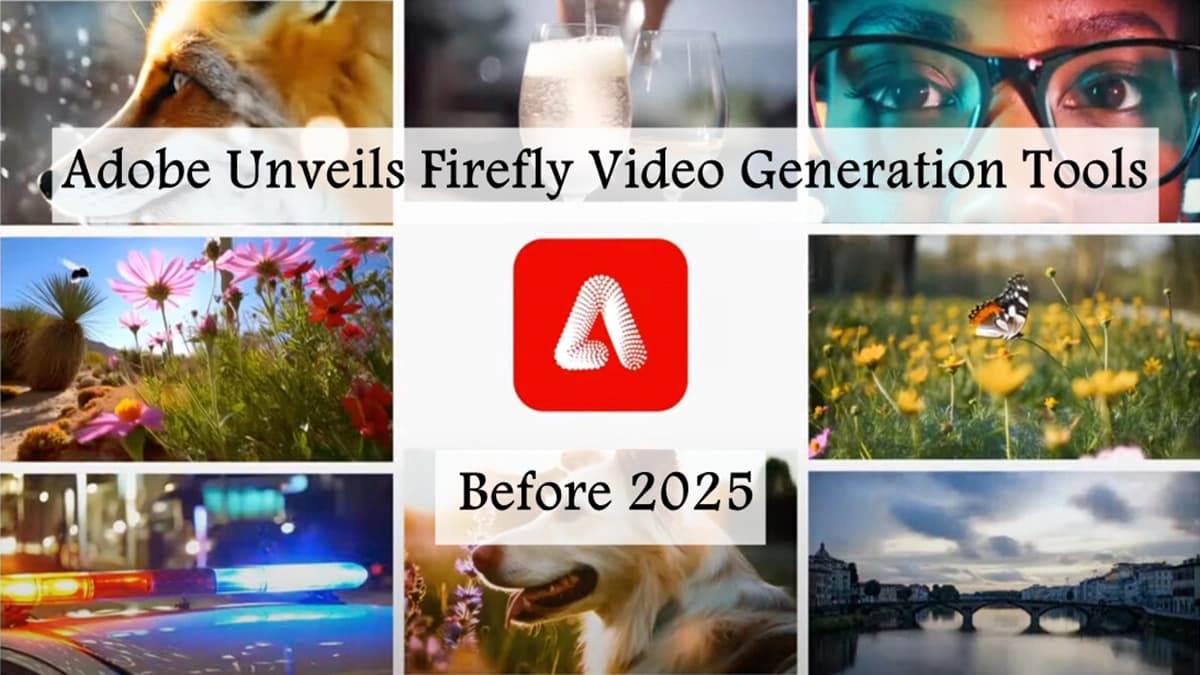
Adobe Unveils Firefly Video Generation Tools Before 2025
Adobe's upcoming Firefly Video Model promises to revolutionize video production with AI-powered tools, offering new possibilities for creators and marketers alike.
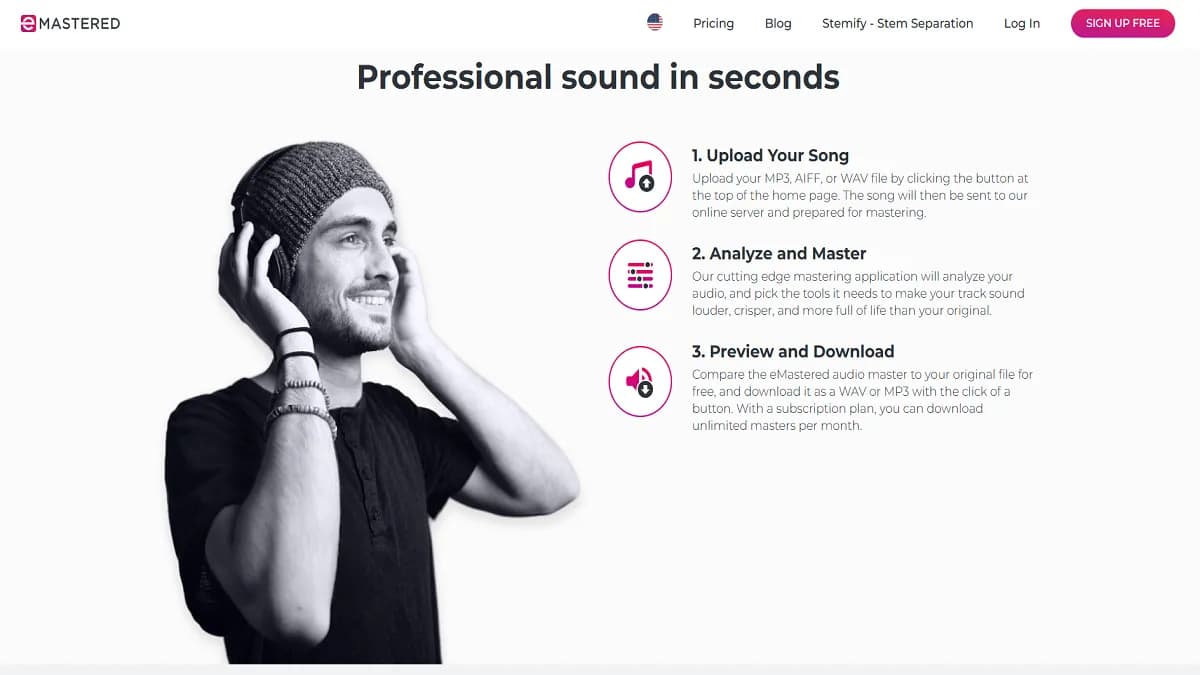
Voicemaker® Review: AI text-to-Speech Platform Explored
Discover Voicemaker®'s features, benefits, and alternatives in our comprehensive review. Learn how this AI-powered text-to-speech tool can enhance your content creation.
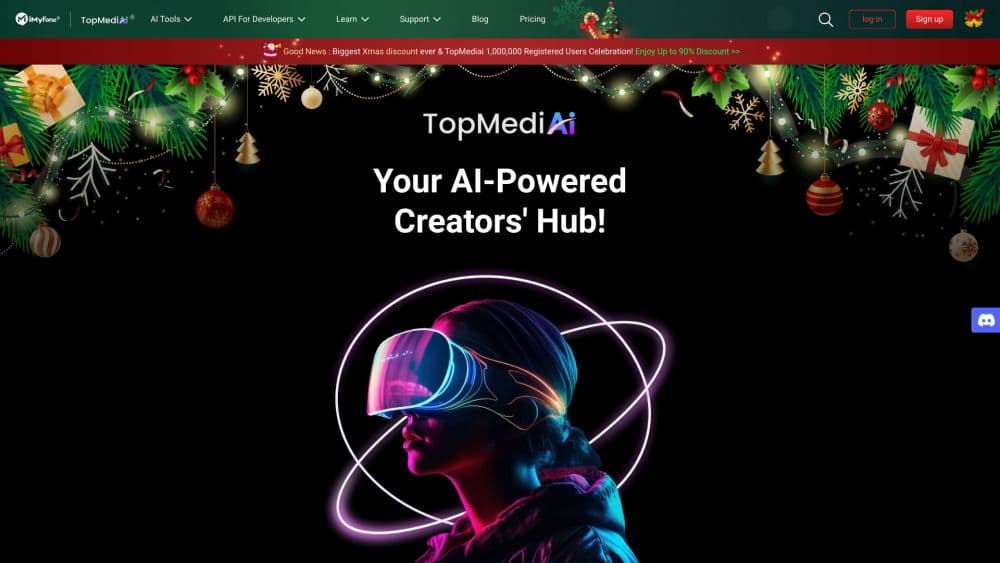
How to Use TopMediai®: Your AI Creative Companion Guide
Discover how to harness TopMediai®'s AI-powered tools for audio, music, and content creation. Learn practical tips to elevate your creative projects today!
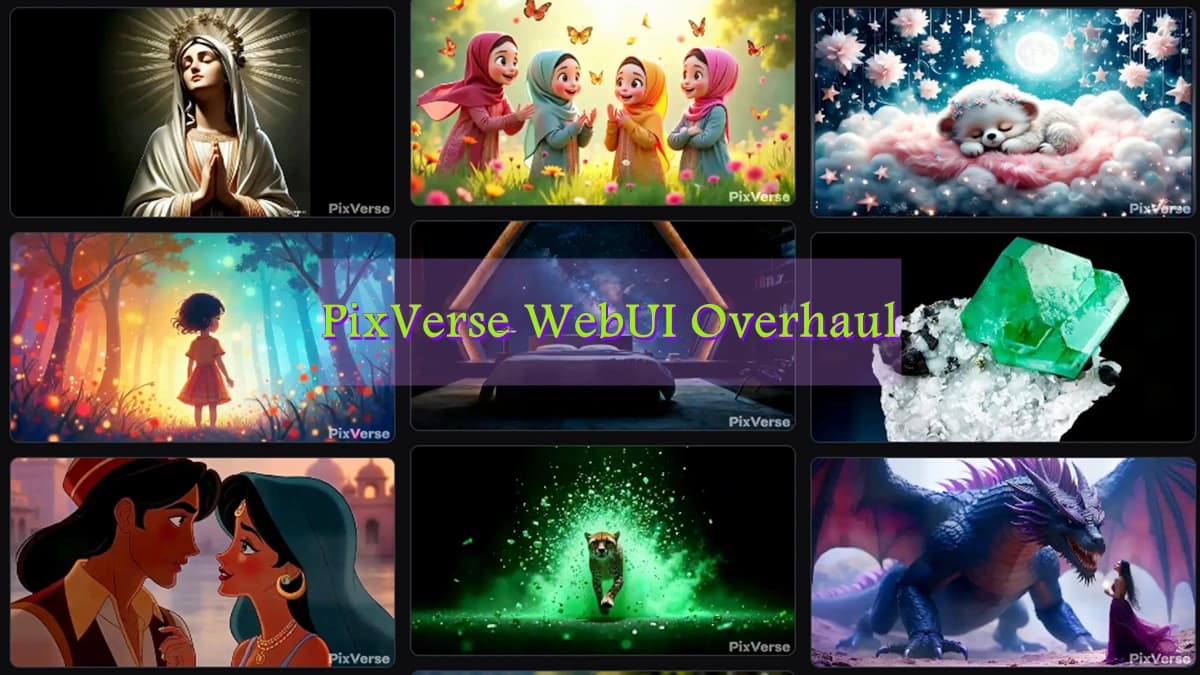
PixVerse WebUI Overhaul: Introducing Floating Create Hub, Discovery Pool, and More
PixVerse launches a groundbreaking WebUI update, introducing Floating Create Hub, Discovery Pool, and Creation Dashboard features to streamline AI-powered video creation across all devices.